07:12:35
2016/01/01 00:21
14
EN
X360 | User Guide
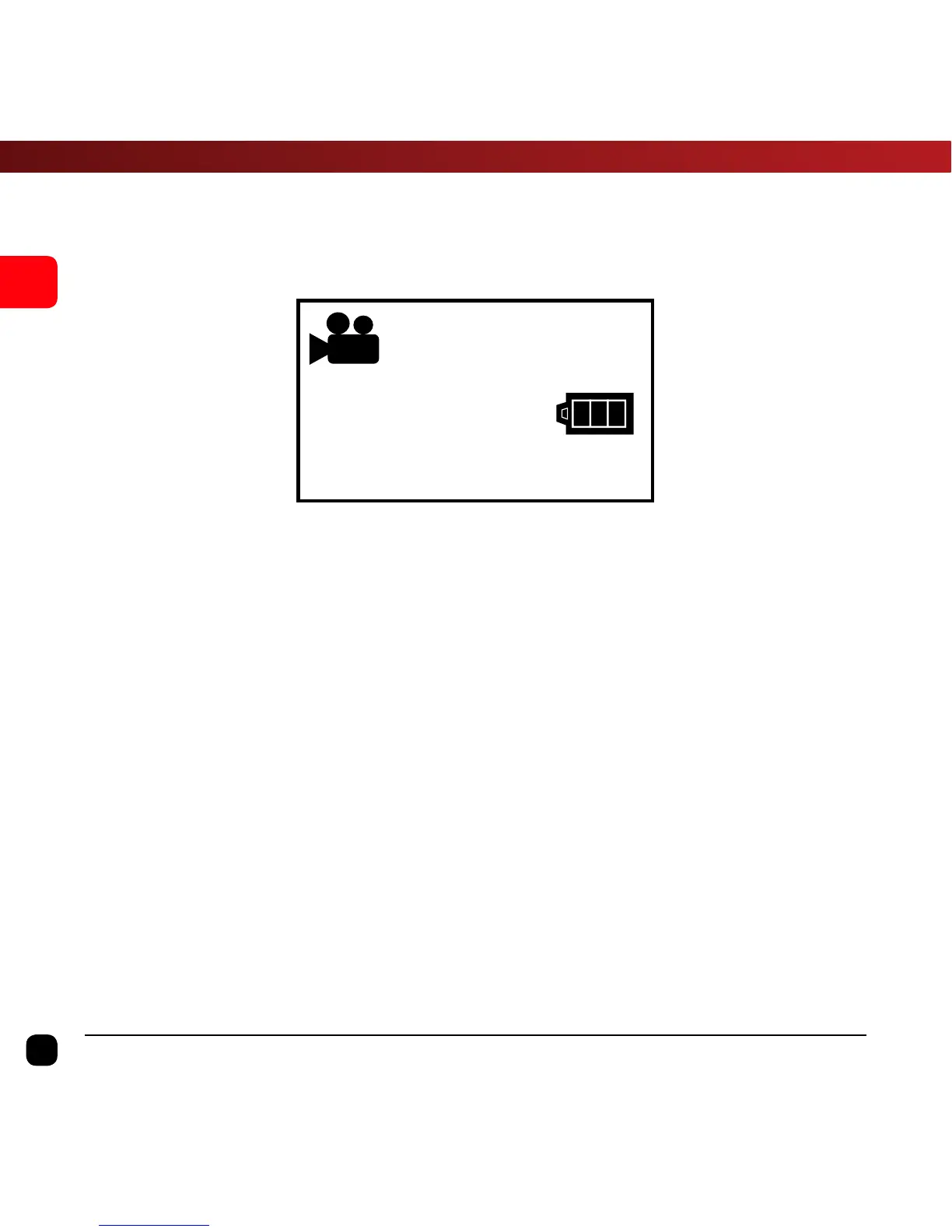
Video Mode
Once the X360 is turned on, Video Mode is selected by default.
Press the Record Button to start recording.
When recording commences, you will see the red light on the X360
start flashing. To end recording, press the Record Button again.
Note: To watch the preview, you will need to connect the X360 Camera to a
smartphone/tablet device. Please refer to page 17 “Connecting the X360 to a
Smartphone” for more information.


 To Next Page