EasyManua.ls Logo

Kaiweets HT118E - Function Keys; Install or replace the battery

Kaiweets HT118E
18 pages
Print Icon
To Next Page IconTo Next Page
To Previous Page IconTo Previous Page
Loading...
Function
Keys
5
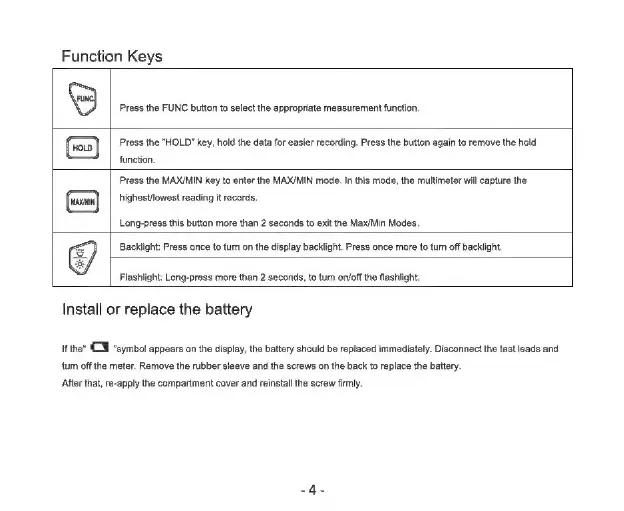
Press
the
FUNC
button
to
select
the
appropriate
measurement
function.
Press
the
"HOLD"
key,
hold
the
data
for
easier
recording.
Press
the
button
again
to
remove
the
hold
function,
Press
the
MAX/MIN
key
to
enter
the
MAX/MIN
mode.
In
this
mode,
the
multimeter
will
capture
the
highestlowest
reading
it
records.
Long-press
this
button
more
than
2
seconds
to
exit
the
Max/Min
Modes.
Backlight:
Press
once
to
tum
on
the
display
backlight.
Press
once
more
to
tum
off
backlight.
Flashlight:
Long-press
more
than
2
seconds,
to
tum
on/off
the
flashlight.
Install
or
replace
the
battery
IF
the“
CT
“symbol
appears
on
the
display,
the
battery
should
be
replaced
immediately.
Disconnect
the
test
leads
and
tum
off
the
meter.
Remove
the
rubber sleeve
and
the
screws
on
the
back
to
replace
the
battery.
After
that,
re-apply
the
compartment
cover
and
reinstall
the
screw
firmly.

Related product manuals