EasyManua.ls Logo

Kaiweets KM602 - Page 9

Kaiweets KM602
19 pages
Print Icon
To Next Page IconTo Next Page
To Previous Page IconTo Previous Page
Loading...
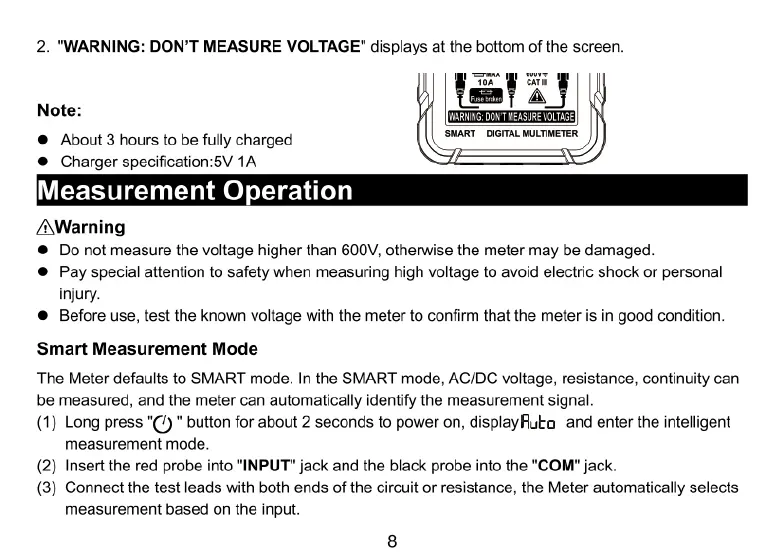
2.
"WARNING:
DON'T
MEASURE
VOLTAGE"
displays
at
the
bottom
of
the
screen.
Note:
®
About
3
hours
to
be
fully
charged
®
Charger
specification:5V
1A
Measurement
Operati
/A\Warning
@
Do
not
measure
the
voltage
higher
than
600V,
otherwise
the
meter
may
be
damaged.
@
Pay
special
attention
to
safety
when
measuring
high
voltage
to
avoid
electric
shock
or
personal
injury.
®
Before
use,
test
the
known
voltage
with
the
meter
to
confirm
that
the
meter
is in
good
condition.
Smart
Measurement
Mode
The
Meter
defaults
to
SMART
mode.
In
the
SMART
mode,
AC/DC
voltage,
resistance,
continuity
can
be
measured,
and
the
meter
can
automatically
identify
the
measurement
signal.
(1)
Long
press
"(%)
"
button
for
about
2
seconds
to
power
on,
displayRuta
and
enter
the intelligent
measurement
mode.
(2)
Insert
the red
probe
into
"INPUT"
jack
and
the
black
probe
into
the
"COM"
jack.
(3)
Connect
the
test
leads
with
both
ends
of
the
circuit
or
resistance,
the
Meter
automatically
selects
measurement
based
on
the
input.

Related product manuals