EasyManua.ls Logo

Kaiweets ST600X - Manual Voltage and Resistance Measurement

Kaiweets ST600X
27 pages
Print Icon
To Next Page IconTo Next Page
To Previous Page IconTo Previous Page
Loading...
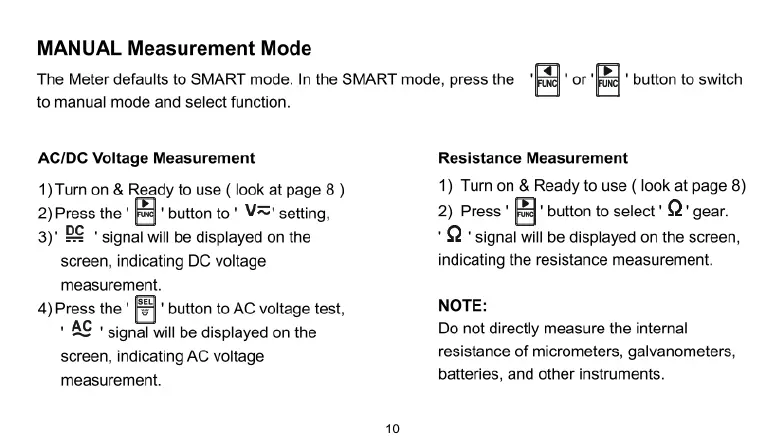
MANUAL
Measurement
Mode
The
Meter
defaults
to
SMART
mode.
In
the
SMART
mode,
press
the
‘@
"or
'@
"
button
to
switch
to
manual
mode
and
select
function.
AC/DC
Voltage
Measurement
1)
Tum
on
&
Ready
to
use
(
look
at
page
8
)
2)Press the
'
[
'
button
to
'
V="'
setting,
3)'
B€
"
signal
will
be
displayed
on
the
screen,
indicating
DC
voltage
measurement.
4)Press
the
'
F"
button
to
AC
voltage
test,
+
AC
"
signal
will
be
displayed
on
the
screen,
indicating
AC
voltage
measurement.
Resistance
Measurement
1)
Tur
on
&
Ready
to
use
(
look
at
page
8)
2)
Press
B’
bution
to
select"
Q"
gear.
'Q
*
signal
will
be
displayed
on
the
screen,
indicating
the
resistance
measurement.
NOTE:
Do
not
directly
measure
the
internal
resistance
of
micrometers,
galvanometers,
batteries,
and
other
instruments.

Related product manuals