EasyManua.ls Logo

Kaiweets ST600X - Manual Continuity, Frequency, Duty Tests

Kaiweets ST600X
27 pages
Print Icon
To Next Page IconTo Next Page
To Previous Page IconTo Previous Page
Loading...
Continuity
Test
1)
Turn
on
&
Ready
to
use
(
look
at
page
8)
2)
Press
@
button
to*
**
"
setting,
indicating
the
continuity
measurement
3)
Connectthe
test
leads
to
both
ends
of
the
circuit
under
test
(in
parallel).
If
the
resistance
of
the
ircuit
or
resistor
under
test
s
less
than
500
and
the
circuit
4
is
on
position,
the
buzzer
will
beep
and
an
indicator
light
will
light
up,
and
the
screen
will
display
the
measured
resistance
value.
Frequency/Duty
Measurement
1)
Tum
on
&
Ready
to
use
(
look
at
page
8)
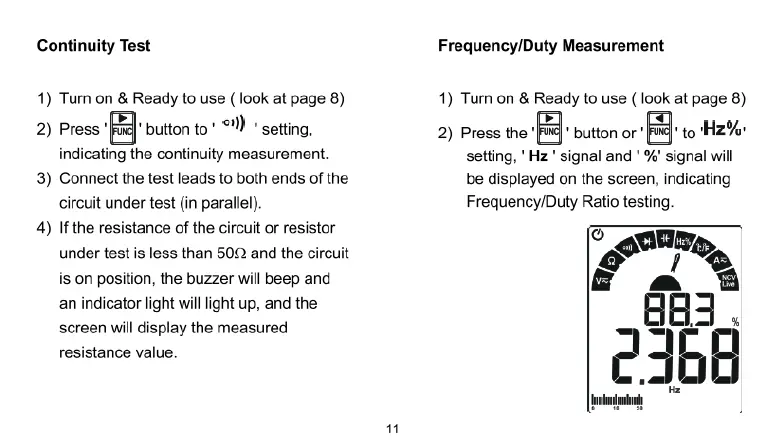
2)
Press
the
@
button
or
to
Hz%
setting,
'
Hz
"
signal
and
'
%'
signal
wil
be
displayed
on
the
screen,
indicating
Frequency/Duty
Ratio
testing

Related product manuals