Status Description
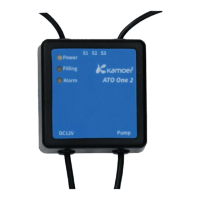
Long bright Powered on
Off No power supply or power failure
Pump running indicator:
PUMP1 and PUMP2 are pump running indicator lights. When the pump is running, the pump running
indicator is on, and when the pump stops, the pump running indicator is off.
Pump operation button:
The two buttons on the front panel of the device are pump operation buttons. When the button is pressed, the
corresponding pump runs, and when the button is lifted, the corresponding pump stops.
3 App use
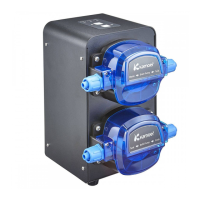
This chapter mainly introduces how to use Kamoer Remote App to control X2S R water exchange pump.
3.1 App connection device
3.1.1 Connect the device to the online
App configuration device connects to the cloud through AP network configuration mode.
Open the Kamoer Remote App, after registering the App account, go to the device homepage, click the Add
Device button in the upper right corner to enter the process of connecting the device to the cloud, and follow
the App prompts to complete the network configuration operation:


 To Next Page