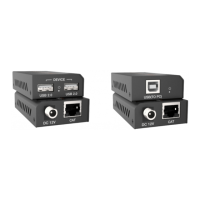
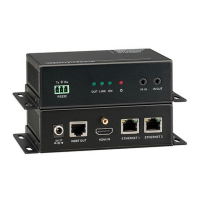
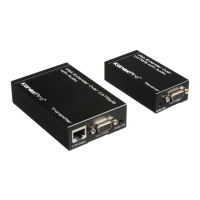
4K/60 Fiber Optical Extender Set
11
8. Troubleshooting & Maintenance
Losing color or vague
double image in HDMI
display.
Poor quality of the optical
fiber cable.
Change to qualified OM3
cable.
Power LED is off, No
response for operations
Make sure power adapter is
in well contact.
No output on the
display.
Source or Display is off.
Turn on the source/ display.
Check the HDMI ports one
by one to make sure they
are in well contact and not
loosely plugged
The display doesn’t
support the resolution.
Connect the display to the
transmitter and capture its
EDID data before using.
Note: If your problem still persists after following the above troubleshooting steps,
please contact your local dealer or distributor for further assistance. Or call us directly
at (888) 975-1368 or email to support@kanexpro.com


 To Next Page