EasyManua.ls Logo

KanexPro EXT-HD60M - User Manual

KanexPro EXT-HD60M
9 pages
Print Icon
To Next Page IconTo Next Page
Loading...
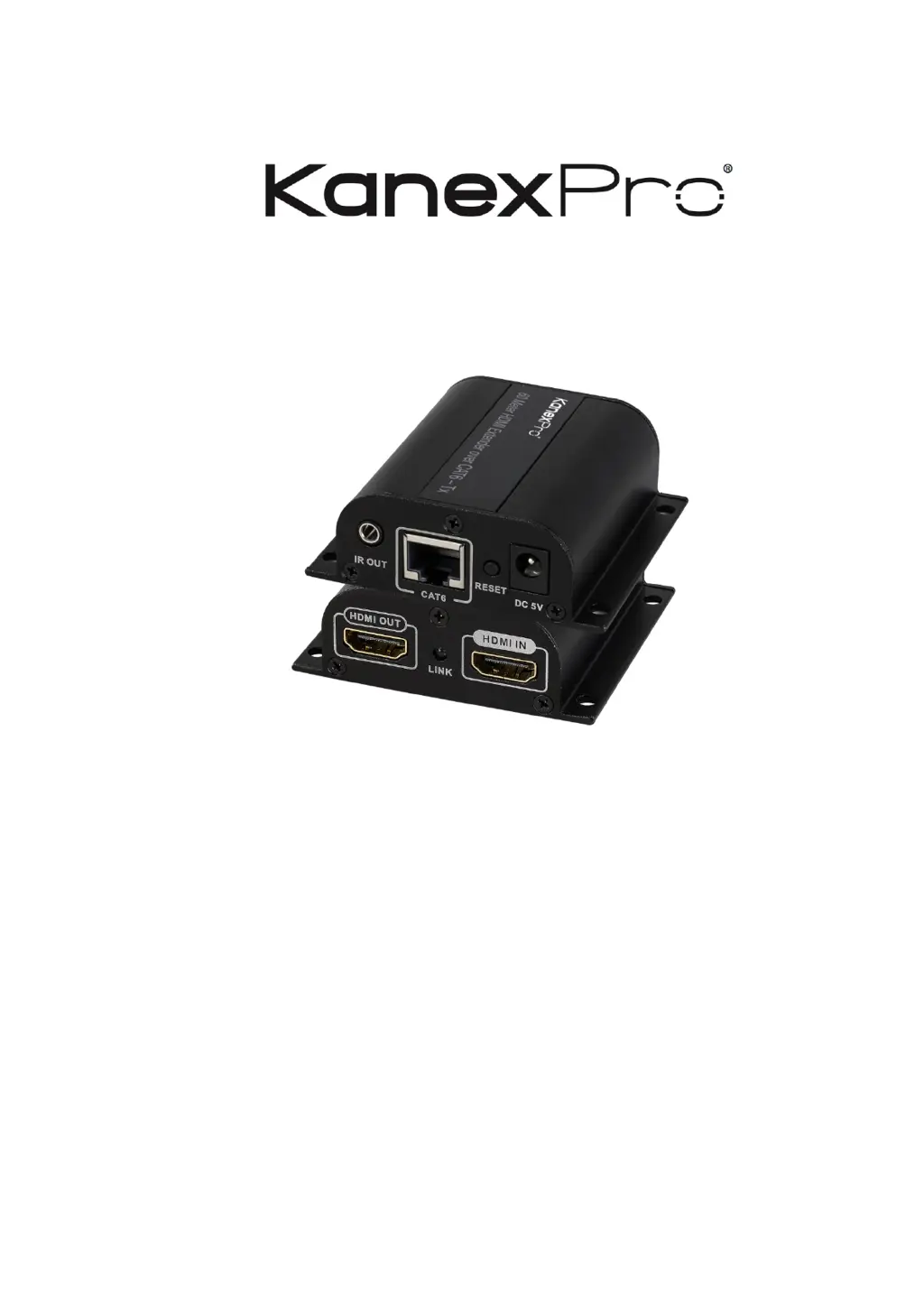
EXT-HD60M
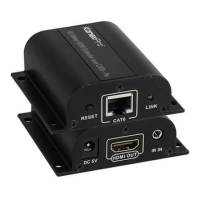
HDMI Extender over CAT6/6a up to 196ft(60M)
USER MANUAL

Questions and Answers

  • S
    Steven GriffinAug 9, 2025
    What to do if KanexPro EXT-HD60M has no image output or abnormal audio and video display?
    • S
      Sharon NicholsAug 9, 2025
      If you're experiencing no image output or abnormal audio and video display with your KanexPro Extender, try these steps: First, reset the device by pressing the RX “RESET” button. If that doesn't work, try using a shorter network cable to reconnect the devices.
  • B
    Brittany KimAug 22, 2025
    How to fix KanexPro Extender when RX “LINK” LED is flashing?
    • S
      Steven SteeleAug 22, 2025
      If the RX “LINK” LED on your KanexPro Extender is constantly flashing, try these steps: Ensure the network cable connection follows the IEEE-568B standard. Check that the TX unit has an HDMI signal input. As a last resort, reset both the TX and RX units and reconnect them.

KanexPro EXT-HD60M Specifications

General IconGeneral
BrandKanexPro
ModelEXT-HD60M
CategoryExtender
LanguageEnglish

Related product manuals