480i@60Hz, 480p@60Hz, 576i@50Hz,
576p@50Hz,
720p@50/60Hz, 1080i@50/60Hz,
1080p@50/60Hz
Low resistance and consumption oxygen-free
Copper core (CAT6, CAT6A, CAT7)
l 10) Troubleshooting
Q: No image output or audio and video display is not normal?
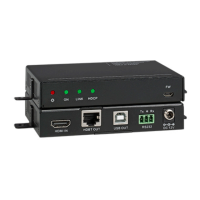
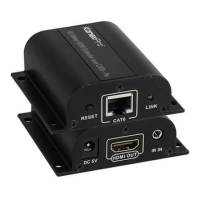
A: 1) Adjust RX “RESET” button to reset the device.
2) Try shorter network cable to reconnect.
Q: RX “LINK” led is flashing all the time?
A: 1) Make sure network cable connection follows the standard of
IEEE-568B.
2) Check whether TX has HDMI signal input.
3) Reset TX&RX and reconnect.
Q: RX “LINK” led lights on all the time but no image output?
A: 1) Press RX “RESET” button to reset the device.
2) Make sure HDMI cable is well connected with TV.
3) Make sure the network cable is fine copper wired.


 To Next Page