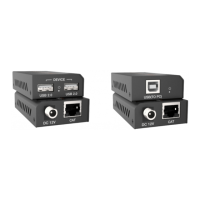
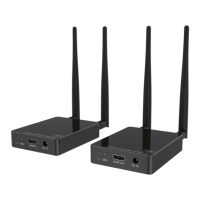
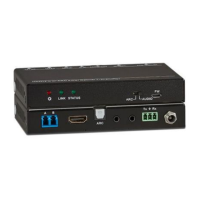
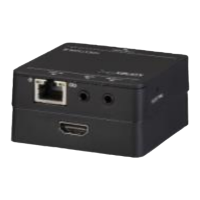
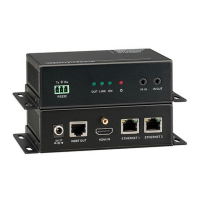
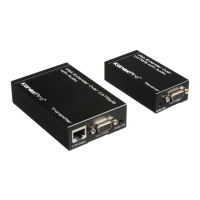
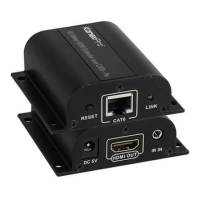
KANEXPRO EXT-HD60M
5 | Page
l 8) Installation Procedures
1. Cat6 network cable
Follow the standard of IEEE-568B:
1- Orange/white 5- Blue/white
2- Orange 6- Green
3- Green/white 7- Brown/white
4- Blue 8- Brown
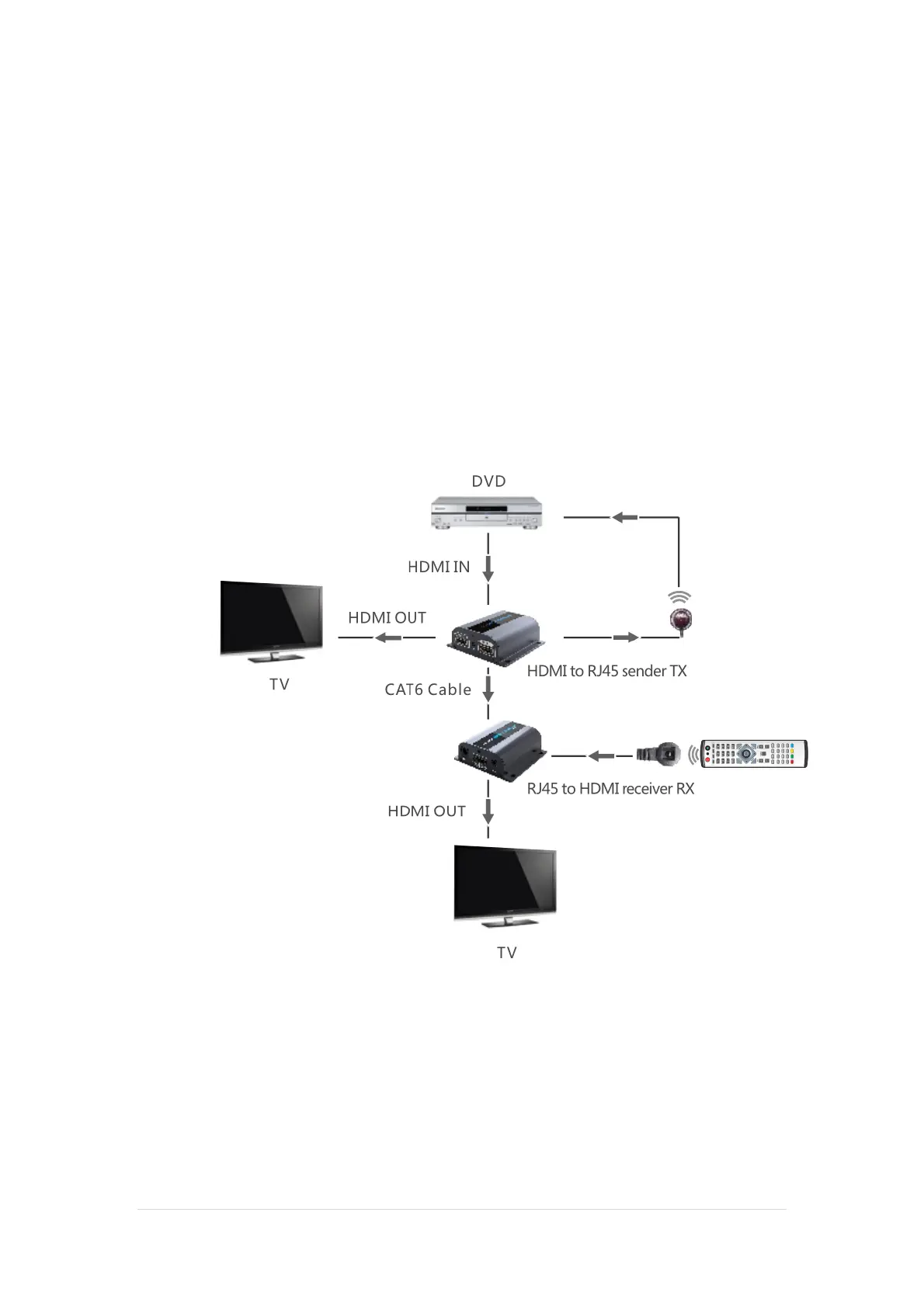
2. Connection Diagram
3. Connection instruction:
1) Connect HDMI source to the Tx HDMI Input
2) Connect cat6 cable between Tx and Rx
3) Connect RX HDMI output with HDTV HDMI input.
4) Power on the device and it works


 To Next Page