EasyManua.ls Logo

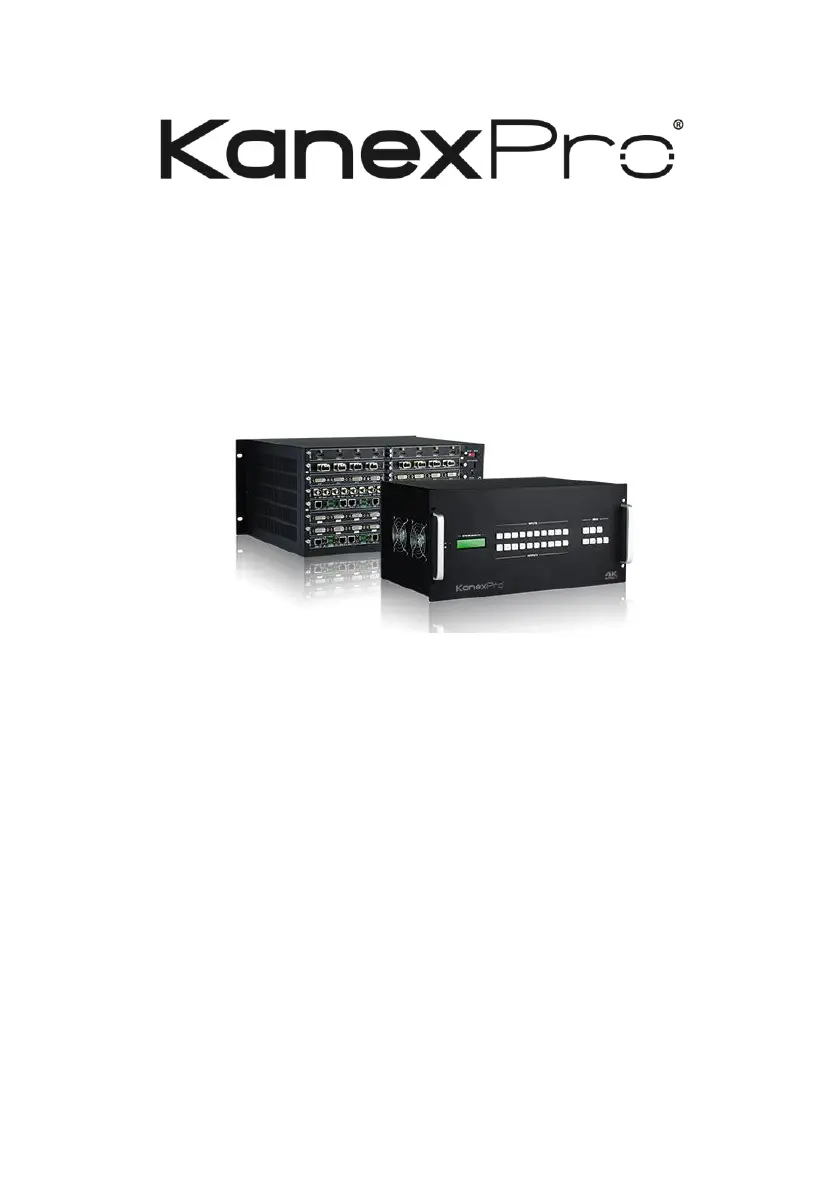
KanexPro HDMMX3232-4K - User Manual

KanexPro HDMMX3232-4K
43 pages
Print Icon
To Next Page IconTo Next Page
Loading...
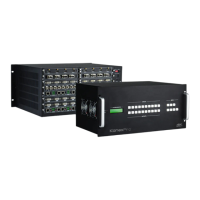
HDMMX3232-4K Modular Matrix
Switcher
User Manual
All Rights Reserved
Version: HDMMX88-4K_2015V2.5

Questions and Answers

  • E
    Ellen HayesAug 6, 2025
    Why POWER indicator doesn’t work on my KanexPro Switch, or it doesn't respond to any operation?
    • J
      Jessica HolderAug 6, 2025
      If the POWER indicator isn’t working or the KanexPro Switch doesn't respond, the power cord connection may have failed. Ensure the power cord connection is secure.
  • E
    Elizabeth VillarrealAug 11, 2025
    What to do if there is no output image when switching KanexPro Switch?
    • D
      David ScottAug 11, 2025
      If there is no output image when switching, it may be due to several reasons: * There is no signal at the input or output end. Check with an oscilloscope or multimeter to see if there is any signal. * There is a failed or loose connection. Ensure the connection is secure. * The switcher is broken. In this case, send it to an authorized dealer for repairing.
  • M
    Matthew RiosAug 15, 2025
    What to do if the IR remote does not work with KanexPro Switch?
    • M
      Mariah HaydenAug 15, 2025
      If the IR remote isn't working, it could be due to the following reasons: * The battery is run out. Replace it with a new one. * The IR remote is broken. Send it to an authorized dealer for repairing.
  • G
    gpowellAug 20, 2025
    Why does the KanexPro Switch output image have a ghost?
    • T
      Teresa OrtizAug 20, 2025
      If the output image has a ghost, it may be due to: * A bad quality connecting cable. Try using another high-quality cable. * Improper image settings on the display. Adjust the corresponding image settings.
  • S
    Stephen WilliamsAug 23, 2025
    What to do if there is a blank screen on the display when switching KanexPro?
    • B
      Brian BryantAug 23, 2025
      If you see a blank screen when switching, it could be because: * The display doesn't support the video source resolution. Try switching again. * In this case, manage the EDID data manually to make the resolution of the video source automatically compliant with the output resolution.
  • M
    Makayla RussellAug 28, 2025
    What to do if the KanexPro Switch output image has color loss or no video signal output?
    • C
      Christine JohnsonAug 28, 2025
      If the output image has color loss or no video signal, it may be due to a failed connection. Reconnect the display and the matrix.
  • A
    Andrea WiseSep 1, 2025
    Why EDID management does not work normally on KanexPro Switch?
    • B
      Benjamin BauerSep 1, 2025
      If EDID management isn't working correctly, the HDMI cable at the output end may be broken. Replace it with another HDMI cable that is in good working condition.

KanexPro HDMMX3232-4K Specifications

General IconGeneral
CategorySwitch
ModelHDMMX3232-4K
Input Ports32
Output Ports32
HDMI Version2.0
Max Resolution4K@60Hz
HDCP Support2.2
Video Bandwidth18 Gbps
EDID ManagementYes
Power Supply100-240V AC, 50/60Hz
Audio SupportDolby Digital, DTS-HD
ControlRS-232, IR

Related product manuals