EasyManua.ls Logo

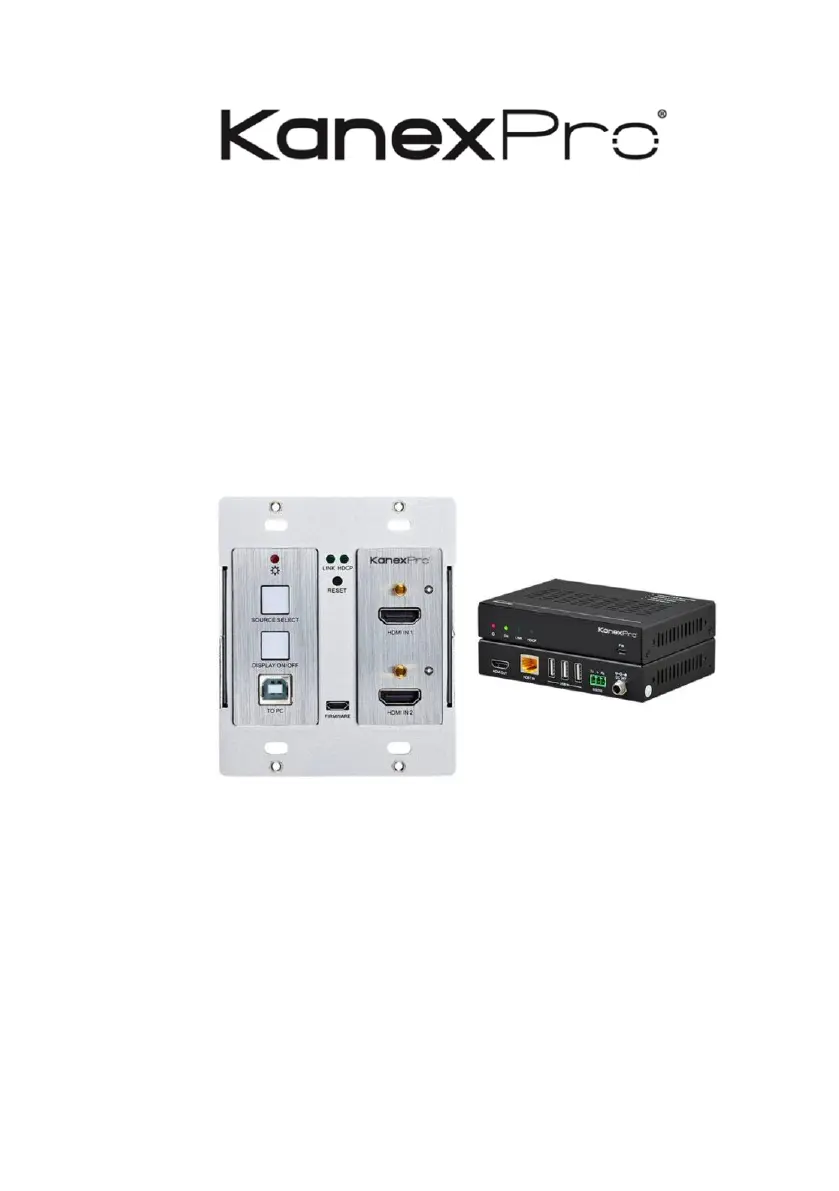
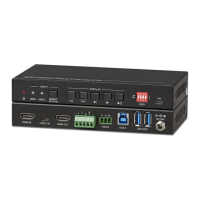
KanexPro WP-HDBTKVM3 - User Manual

KanexPro WP-HDBTKVM3
25 pages
Print Icon
To Next Page IconTo Next Page
Loading...
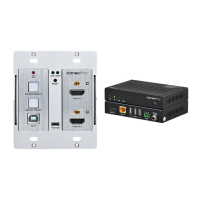
WP-HDBTKVM3
Double Gang. 2x1 HDMI® & USB 2.0 Wall Plate Switcher over HDBaseT& PoH
All Rights Reserved
Version: WP-HDBTKVM3_2019V1.0

Questions and Answers

  • M
    Michael KingAug 9, 2025
    What to do if the POWER indicator doesn’t work on KanexPro WP-HDBTKVM3 Switch?
    • C
      Caitlyn MasonAug 9, 2025
      If the POWER indicator on your KanexPro Switch isn't working or the device isn't responding, the issue might be a loose or failed power cord connection. To resolve this, double-check the power cord connection to ensure it is properly connected.
  • B
    Betty ReidAug 23, 2025
    Why is there color loss or no video signal output on my KanexPro WP-HDBTKVM3 Switch?
    • M
      Michelle MolinaAug 23, 2025
      If you're experiencing color loss or no video signal output on the HDMI display with your KanexPro Switch, it could be due to incorrectly connected or damaged cables. Verify that the cables are properly connected and in good working condition.

KanexPro WP-HDBTKVM3 Specifications

General IconGeneral
Control MethodIR, RS-232
Supported AudioDolby Digital, DTS
Power Supply5V DC
Operating Temperature0°C to +40°C
Storage Temperature-20°C to 60°C

Related product manuals