4K/60 2x1 Wall Plate Switcher & Extender Set
10
4. System Connection
4.1 Usage Precaution
⚫ Make sure all components and accessories included before installation.
⚫ System should be installed in a clean environment with proper temperature and
humidity.
⚫ All of the power switches, plugs, sockets, and power cords should be insulated and
safe.
⚫ All devices should be connected before power on.
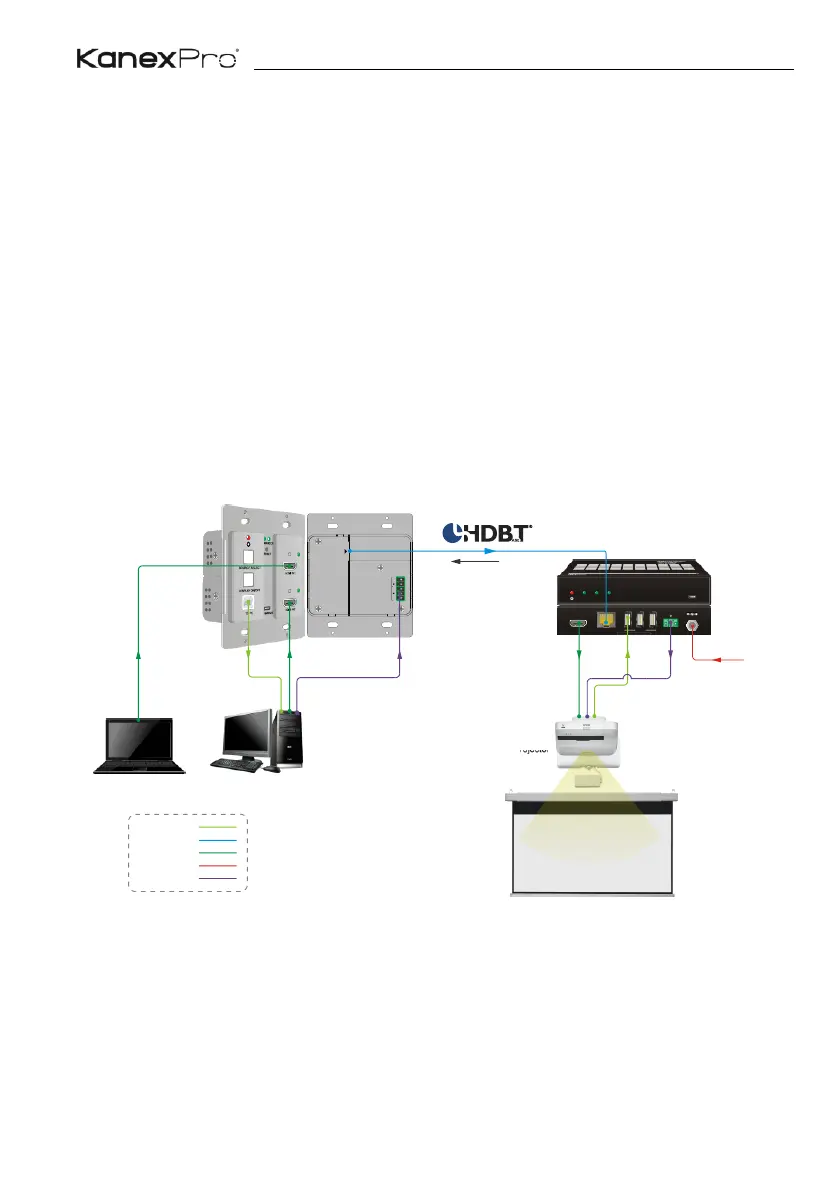
4.2 System Diagram
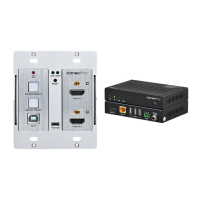
The following diagram illustrates typical input and output connection that can be utilized
with the extender:


 To Next Page