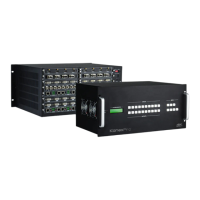
4K/60 2x1 Wall Plate Switcher & Extender Set
9
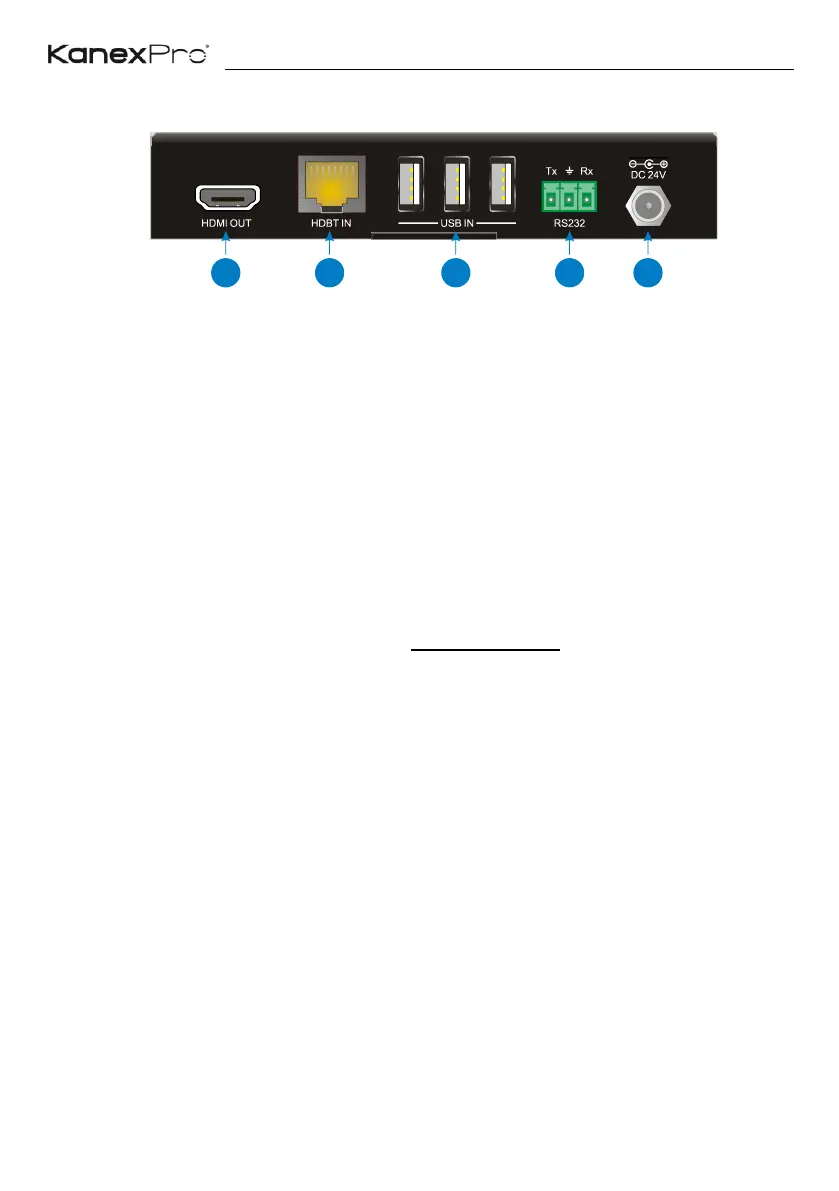
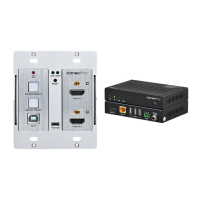
3.4 Receiver Rear Panel
① HDMI OUT: Type-A HDMI port to connect a display.
② HDBT IN: RJ45 HDBaseT input port to connect to the HDBT OUT port on the
transmitter by a CATx cable.
③ USB IN: Three type-A USB ports to connect HID devices (e.g. mouse, keypad and
so on) to control the device which is connected to the TO PC port of the
transmitter.
④ RS232: 3-pin terminal block to connect a control device (such as PC), or to
connect a third party device which needs to be controlled by RS232 pass-through.
For more details, please refer to the 6. RS232 Control on the page 11.
⑤ DC 24V: Power port to connect the 24V DC power adaptor.


 To Next Page