EasyManua.ls Logo

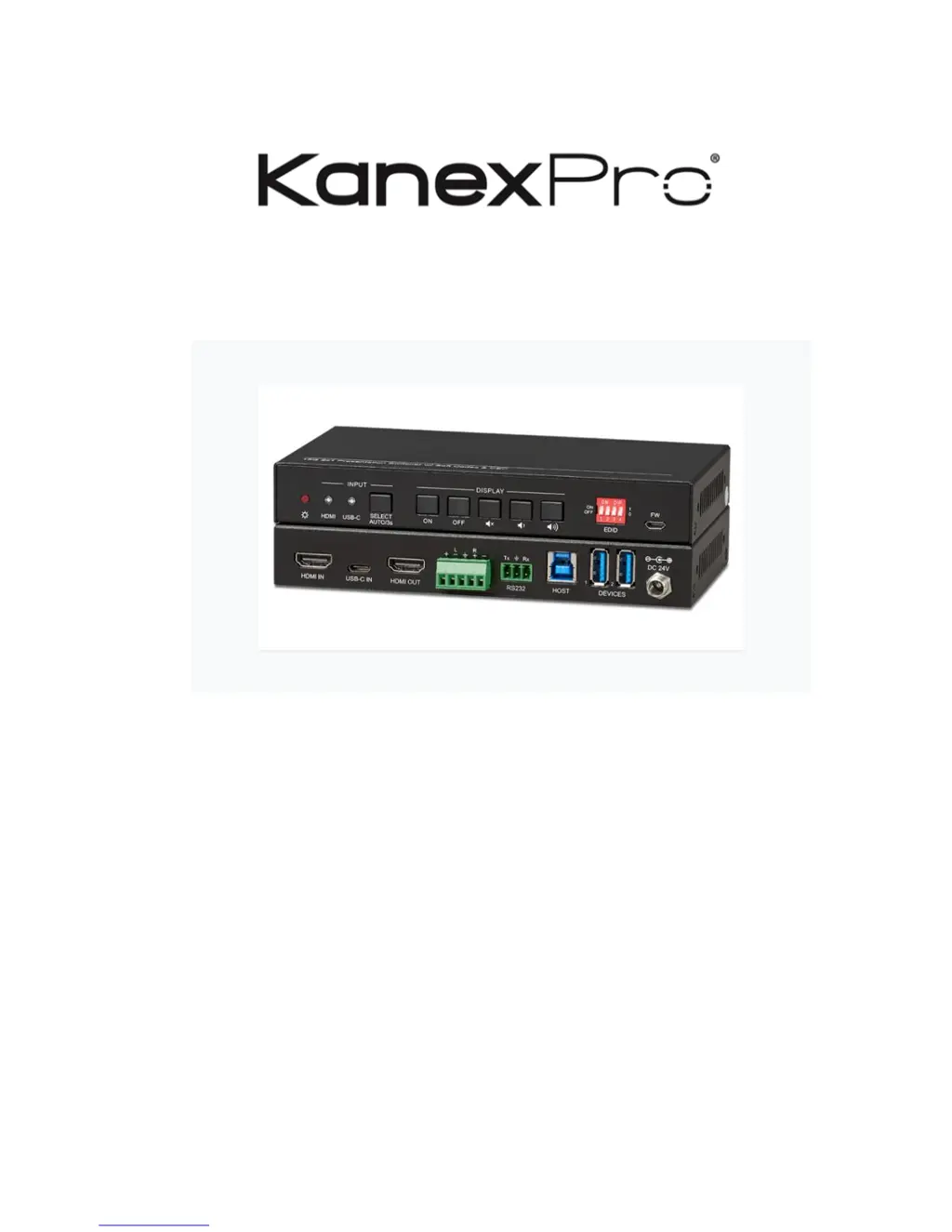
KanexPro SW-2X14KUSBC - User Manual

KanexPro SW-2X14KUSBC
25 pages
Print Icon
To Next Page IconTo Next Page
Loading...
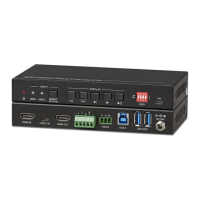
SW-2X14KUSBC
2x1 USB-C & HDMI Auto switcher with Video Conferencing & CEC
Switch and Collaborate One USB-C & One HDMI Input with USB 3.0 for VTC's
All Rights Reserved
Version: SW-2X14KUSBC_2019V1.0

Questions and Answers

  • A
    Andrea WarrenAug 10, 2025
    What to do if there is no output image when switching KanexPro Switch?
    • S
      Stephanie WyattAug 10, 2025
      If you are experiencing a lack of output image when switching, here are a few things to check: * First, ensure there is a signal at the input and output ends using an oscilloscope or multimeter. * Second, verify that all connections are secure. * If the issue persists, the switcher itself may be broken and require repair by an authorized dealer.
  • R
    Robert GonzalezAug 16, 2025
    How to fix KanexPro SW-2X14KUSBC Switch when static becomes stronger when connecting the video connectors?
    • A
      anthonyelliottAug 16, 2025
      If the static becomes stronger when connecting the video connectors, the issue is likely due to bad grounding. Check the grounding and ensure it is well connected.
  • K
    Karen GoldenAug 22, 2025
    What to do if the POWER indicator doesn’t work on KanexPro SW-2X14KUSBC Switch?
    • R
      Randy MarquezAug 22, 2025
      If the POWER indicator isn't working or the device isn't responding, ensure the power cord is properly connected.
  • W
    William MayoAug 28, 2025
    Why does my KanexPro SW-2X14KUSBC Switch output image have snowflake?
    • J
      Joanne HernandezAug 28, 2025
      If your output image has a snowflake effect, it could be due to: * A bad quality connecting cable. Try using another high-quality cable. * A loose connection. Ensure that all connections are secure.
  • M
    Mrs. Donna Rodriguez PhDSep 2, 2025
    How to fix RS232 port on KanexPro SW-2X14KUSBC Switch?
    • P
      pbaileySep 2, 2025
      If you cannot control the device through the RS232 port, the issue might be due to: * Incorrect RS232 communication parameters. Ensure you are using the correct parameters. * A broken RS232 port. In this case, send the device to an authorized dealer for checking.

KanexPro SW-2X14KUSBC Specifications

General IconGeneral
BrandKanexPro
ModelSW-2X14KUSBC
CategorySwitch
LanguageEnglish

Related product manuals