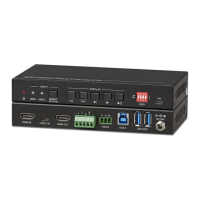
4K/60 2x1 Wall Plate Switcher & Extender Set
15
6.2 RS232 Control Software
After set all needed input and output devices according to the RS232 connection
diagram, please install the RS232 control software into the control PC to send RS232
command.
⚫ Installation: Copy the control software file to the control PC.
⚫ Uninstallation: Delete all the control software files in corresponding file path.
Here take the software CommWatch.exe as an example.
First, please double-click the following icon:
Then, the interface of the control software is showed as below:


 To Next Page