WP-IPKEYPAD8D
18 | P a g e
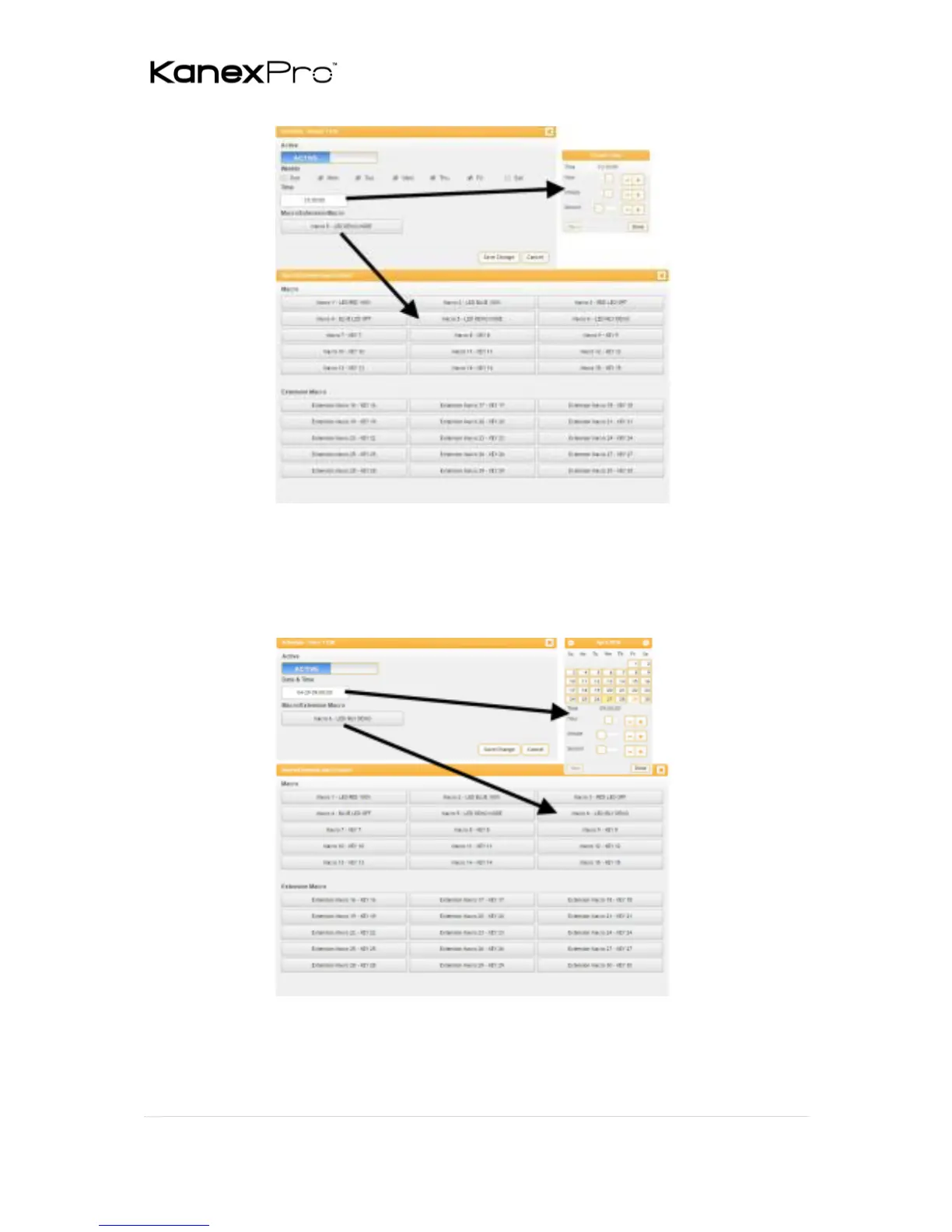
To set up a one-time event click on “Edit” from the “Once” section of
the page. Now select the macro to be run and which date and time
you would like for it to run on. You can now set the event as “Active”.
Click on “Save Change” to save the changes to the event.
Note: This unit has 48 hours of backup power for the internal clock to
protect against power loss and blackouts. After the backup power is
exhausted the system time will reset back to 2015/01/01 00:00:00.



 To Next Page