WP-IPKEYPAD8D
19 | P a g e
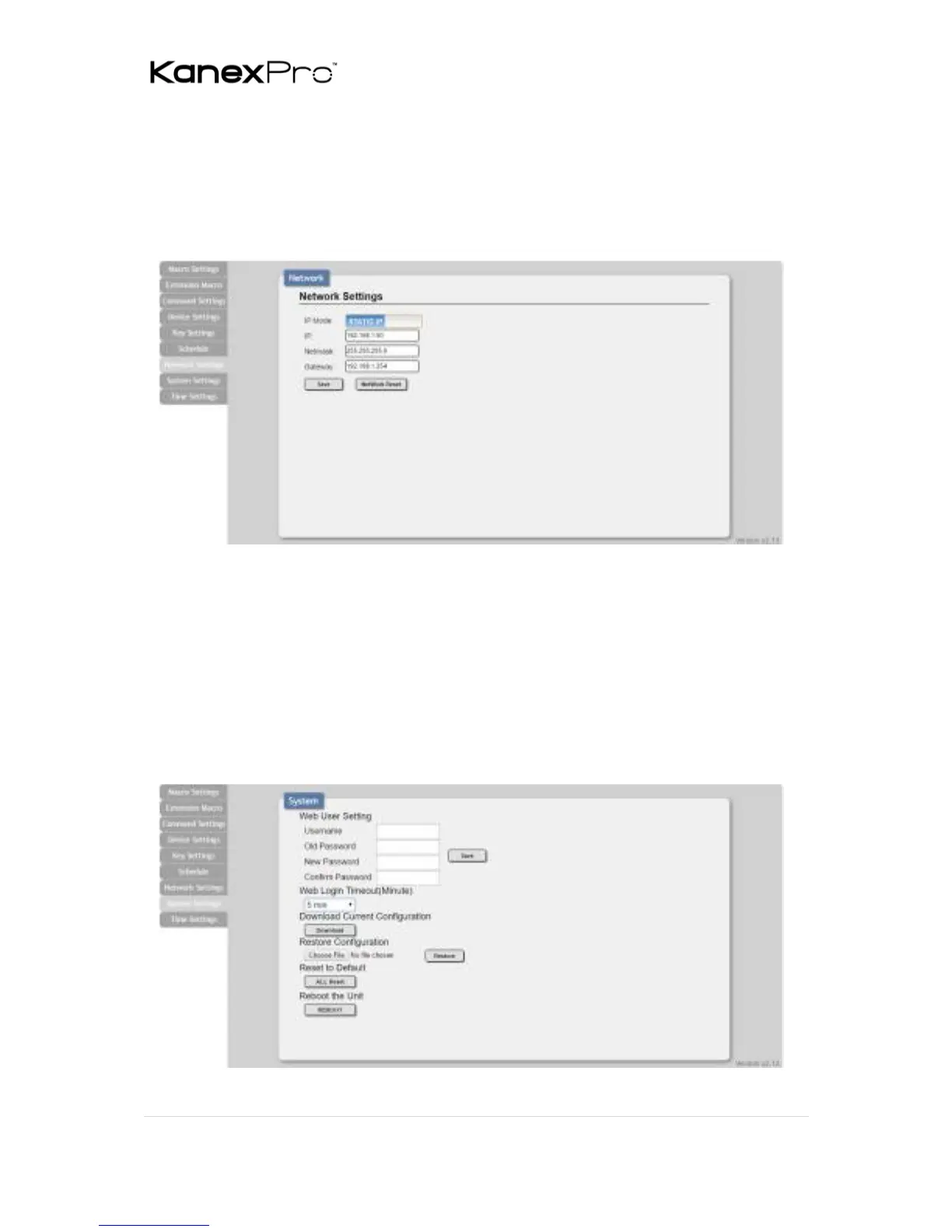
6.5.9 Network Settings
Click on the “Network Settings” tab to change the network settings for
the keypad. You can manually set the IP address, netmask and
gateway address in “Static IP” mode, or you can obtain an IP address
automatically by enabling DHCP.
6.5.10 System Settings
Click on the “System Settings” tab to make changes to various system
settings. From this tab you can change the WebGUI login password
and web connection timeout settings. You may also save the full
system configuration, including all macros, to your connected PC/
Laptop or restore them from a previously saved configuration. Finally,
this tab provides buttons to reset the unit to factory defaults and to
reboot the keypad.



 To Next Page