WP-IPKEYPAD8D
4 | P a g e
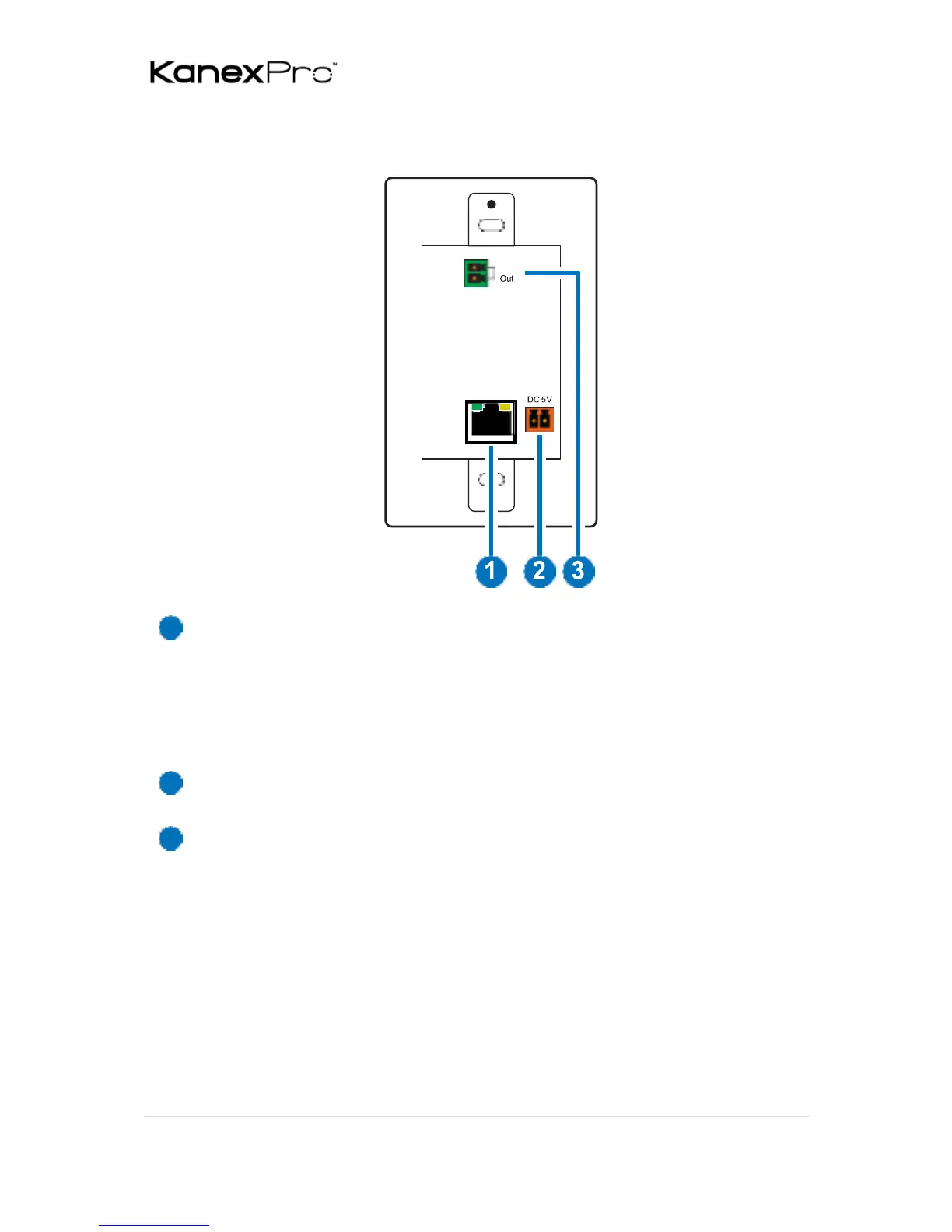
6.2 Rear Panel
CONTROL: Connect to an active Ethernet network via a switch
or router to allow it to control other devices on the network
and to be accessed via Telnet/WebGUI. This unit has PoE (48V,
PD) functionality which means it can be powered directly by
a connected PoE (48V, PSE) switch/hub without the need for a
power adapter.
DC 5V: Plug the 5V DC power adapter into this port and connect it
to an AC wall outlet for power. (optional)
RELAY OUT: Connect to a device that supports DC 0~24V/5A relay
trigger functionality.



 To Next Page