WP-IPKEYPAD8D
8 | P a g e
6.4 Telnet Control
Before attempting to use Telnet control, please ensure that both the
unit and the PC/Laptop are connected to the same active networks.
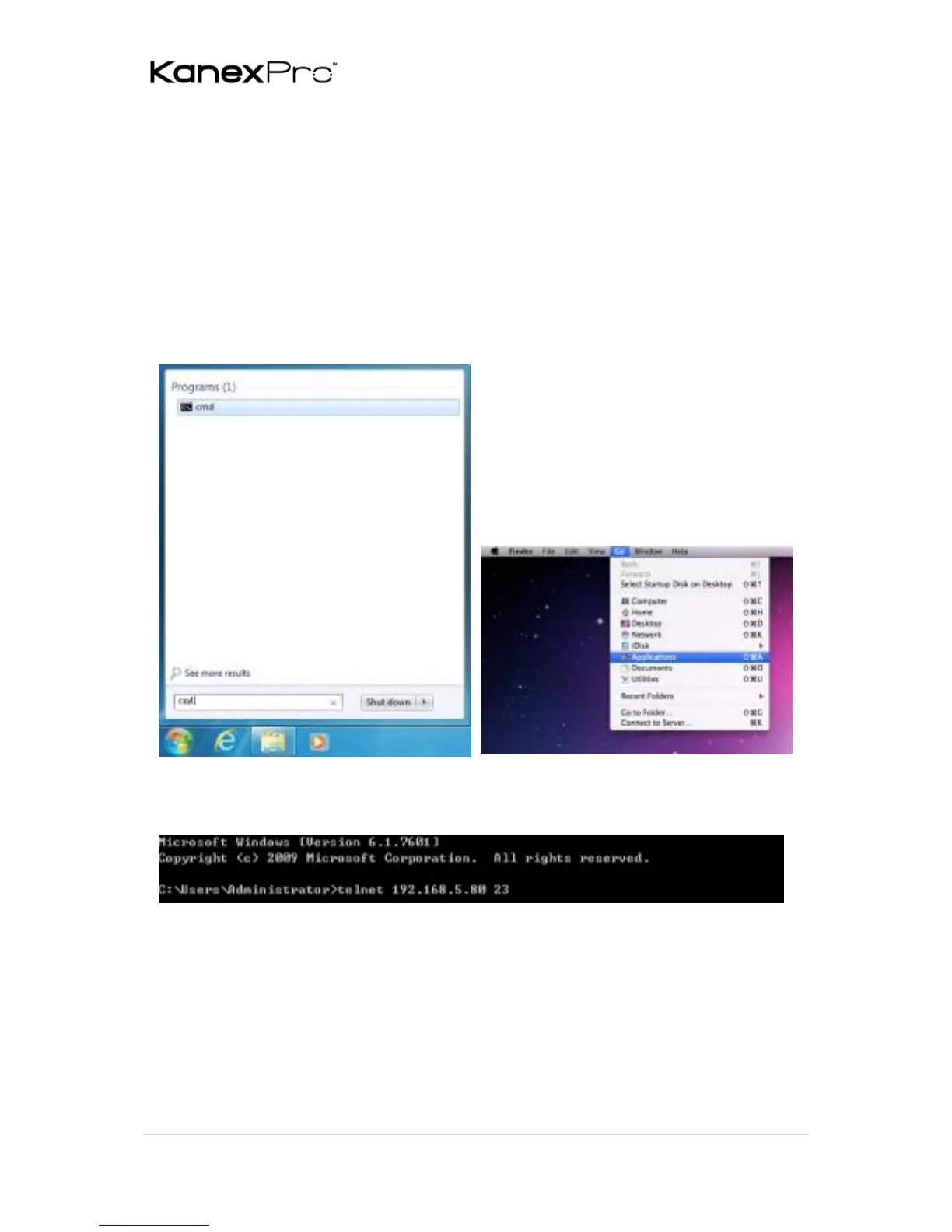
To access Telnet in Windows 7, click on the “Start” menu and type
“cmd” in the search field, then press “Enter”. Under Windows XP go to
the “Start” menu, click on “Run”, type “cmd” then press “Enter”. Under
Mac OS X, go to “Go→Applications→Utilities→Terminal”. See below
for reference.
Once in the CLI (Command Line Interface) type “Telnet” followed by
the IP address of the unit and “23”, then hit “Enter”.



 To Next Page