EasyManua.ls Logo

Kantronics KPC-4 - Page 16

Default Icon
72 pages
Print Icon
To Next Page IconTo Next Page
To Previous Page IconTo Previous Page
Loading...
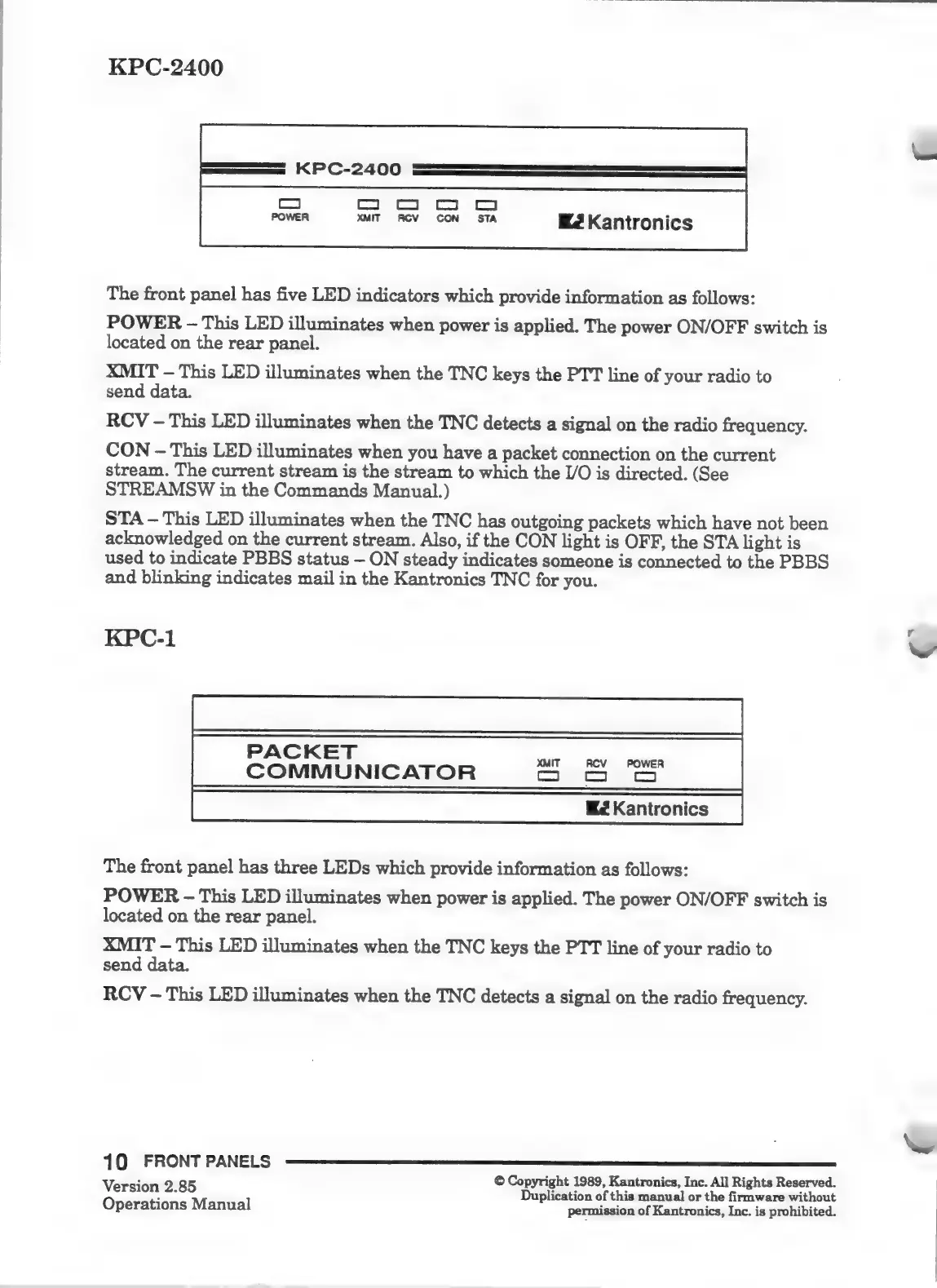
KPC-2400
KPC-2400
ES
E
6
EEES
POWER
XMIT
RCV
CON
STA
E2
Kantronics
The
front
panel
has
five
LED
indicators
which
provide
information
as
follows:
POWER
-
This
LED
illuminates
when
power
is
applied.
The
power
ON/OFF
switch
is
located
on
the
rear
panel.
XMIT
This
LED
illuminates
when
the
TNC
keys
the
PTT
line
of
your
radio
to
send
data.
RCV
-
This
LED
illuminates
when
the
TNC
detects
a
signal
on
the
radio
frequency.
CON
-
This
LED
illuminates
when
you
have
a
packet
connection
on
the
current
stream.
The
current
stream
is
the
stream
to
which
the
I/O
is
directed.
(See
STREAMSW
in
the
Commands
Manual.)
STA
This
LED
illuminates
when
the
TNC
has
outgoing
packets
which
have
not
been
acknowledged
on
the
current
stream.
Also,
if
the
CON
light
is
OFF,
the
STA
light
is
used
to
indicate
PBBS
status
ON
steady
indicates
someone
is
connected
to
the
PBBS
and
blinking
indicates
mail
in
the
Kantronics
TNC
for
you.
KPC-1
PACKET
COMMUNICATOR
Som
The
front
panel
has
three
LEDs
which
provide
information
as
follows:
POWER
-
This
LED
illuminates
when
power
is
applied.
The
power
ON/OFF
switch
is
located
on
the
rear
panel.
XMIT
This
LED
illuminates
when
the
TNC
keys
the
PTT
line
of
your
radio
to
send
data.
RCV
-
This
LED
illuminates
when
the
TNC
detects
a
signal
on
the
radio
frequency.
10
FRONT
PANELS
———@————
Version
2.85
©
Copyright
1989,
Kantronics,
Inc.
All
Rights
Reserved.
SESIDA
s:
Duplication
of
this
manual
or
the
firmware
without
Operations
Manual
permission
of
Kantronics,
Inc.
is
prohibited.
w

Related product manuals