11
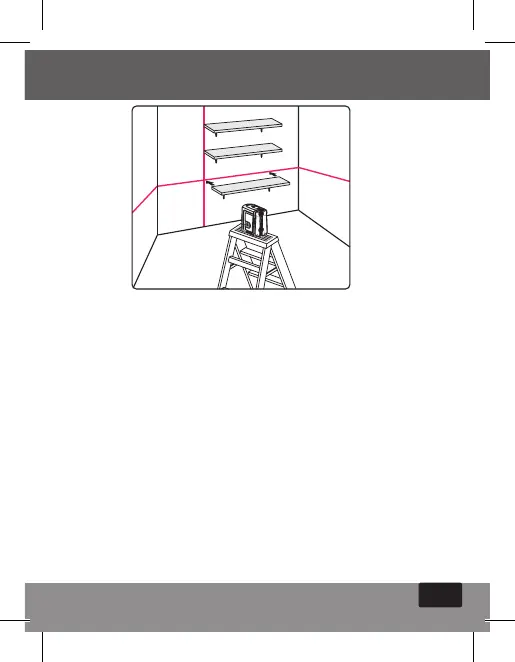
Working in Manual mode:
In Manual mode the 862’s self-leveling mechanism is
disabled and the laser lines can be set at any slope required.
1. Long press on the V/H operation push button (#3) will
activate the Manual mode. The laser will project blinking
cross lines and the red LED will light up.
2. Choose the beams that you want to work with by
pushing shortly the V/H operation push button
3. Tilt the laser to the desirable slope.
4. To turn the manual mode OFF, press again the V/H
operation push button for 3 sec.
5. While in Manual mode turning the locking switch #1
from OFF to ON position will turn off the Manual mode
and the red LED near the push button. The automatic
self – leveling will be activated if the laser level is within
the self – leveling range.


 To Next Page