13
2. Power up the Dash Camera and allow 2 minutes for the WiFi connection to start.
3. Once the App is downloaded and installed on your smartphone and the Dash
Camera is powered up, open your smartphone's WiFi settings and connect to the
wireless connection named KPT2000.
4. When prompted enter the password 12345678
WiFi Name: KPT-2000 _XXXX (XXXX is unique number to each Dash Camera)
Password: 12345678
5. Once the connection has been made, open the KPT-LINK App. You will now be
able to access the live recording screen for the front and rear cameras, stored
videos, and your Dash Camera settings.
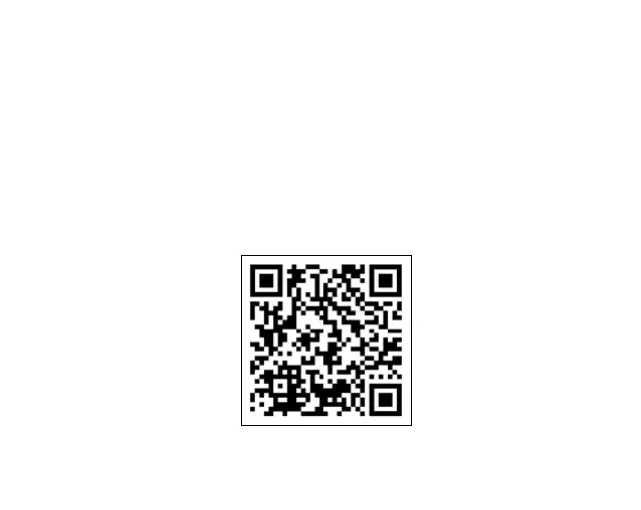
Scan the QR code
for a direct link to
download the KPT-
LINK App.



 To Next Page