14
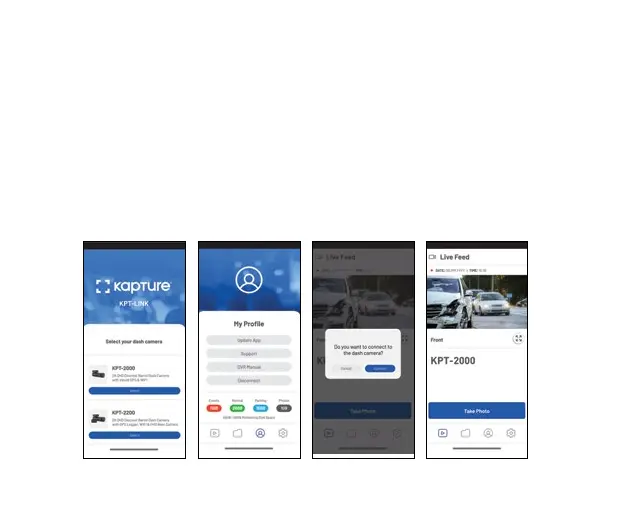
11.0 KPTLINK APP OPERATION
To use the KPT-LINK App, your smart device will need to be connected to the Dash
Camera WiFi connection. For instructions on connecting your Dash Camera to your
smartphone's WiFi, please follow the steps on the previous page.
11.1 APP VIDEO PLAYBACK
For Video Playback via the App, please follow the instructions below.
1. Open the KPT-LINK App.
2. Press the Album button.
3. Click on the Video Folder and select the video you want to view.



 To Next Page