EasyManua.ls Logo

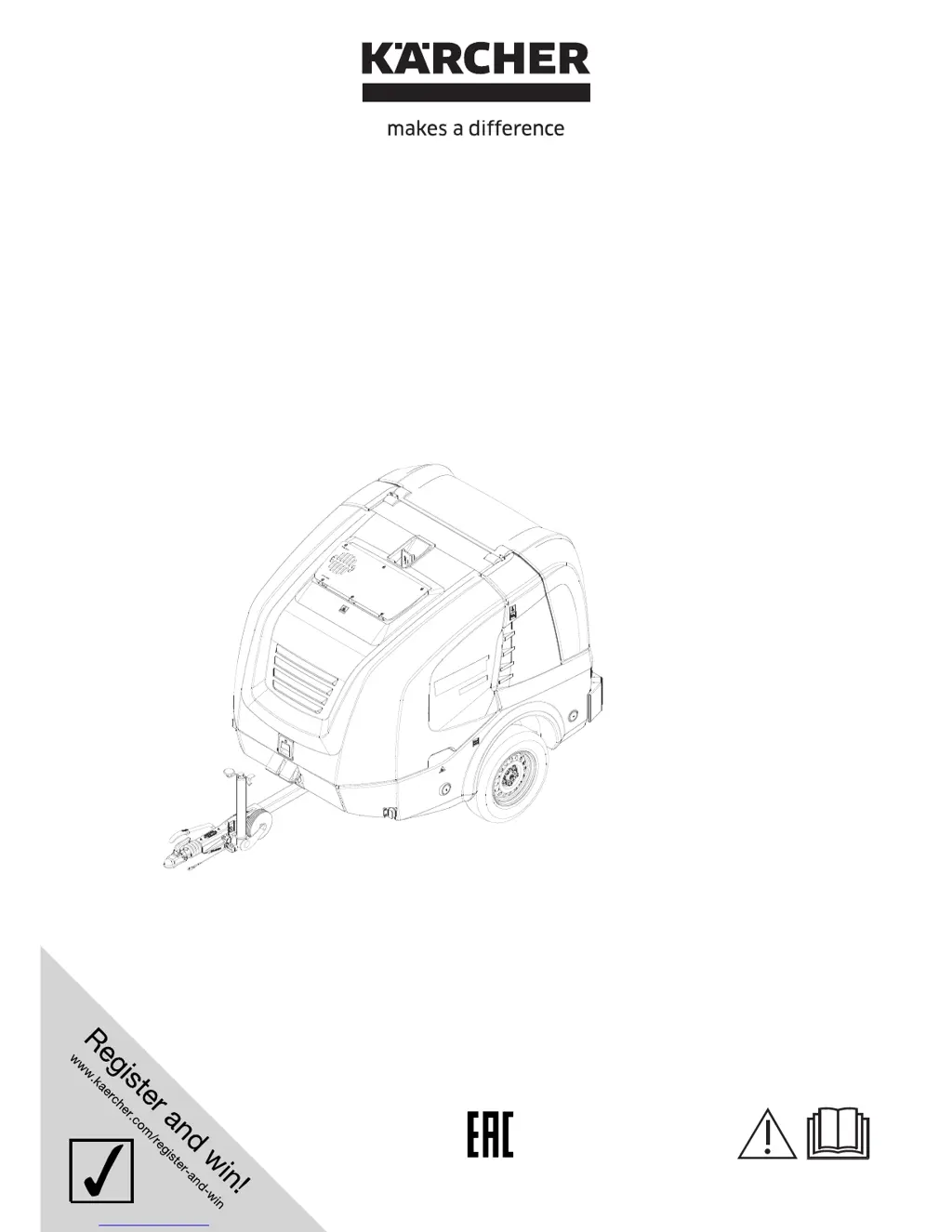
Kärcher HDS 13/20 De Tr1 - User Manual

Kärcher HDS 13/20 De Tr1
500 pages
Go to English
Print Icon
To Next Page IconTo Next Page
Loading...
HDS 9/50 De Tr1
HDS 13/35 De Tr1
HDS 13/20 De Tr1
HDS 17/20 De Tr1
59654600 12/15
Deutsch 3
English 21
Français 39
Italiano 58
Nederlands 77
Español 95
Português 114
Dansk 133
Norsk 151
Svenska 169
Suomi 187
Ελληνικά 205
Türkçe 224
Русский 242
Magyar 261
Čeština 279
Slovenščina 297
Polski 315
Româneşte 333
Slovenčina 351
Hrvatski 369
Srpski 387
Български 405
Eesti 424
Latviešu 442
Lietuviškai 461
Українська 480

Table of Contents

Questions and Answers

  • T
    Tyler CurtisAug 18, 2025
    What to do if my Kärcher Pressure Washer shows ERROR 4 Water shortage?
    • C
      christopher73Aug 18, 2025
      If your Kärcher Pressure Washer displays ERROR 4 indicating a water shortage, several factors could be the cause. If using an external water supply, check the water inlet pressure. For internal water supply, ensure the water tanks are full. Other potential issues include a defective water shortage safeguard in the float container (replace it), a soiled water filter (clean it), a leaky or kinked water hose (replace it), a soiled float valve in the float container (clean it), or a jammed or defective float valve (repair or replace it).
  • A
    Alison JenkinsAug 21, 2025
    How to troubleshoot ERROR 7 Motor oil pressure on my Kärcher Pressure Washer?
    • B
      Brian MilesAug 21, 2025
      If your Kärcher Pressure Washer displays ERROR 7, indicating a motor oil pressure issue, first check the oil level in the motor and refill if it's low. Also, ensure the motor oil has the correct viscosity grade; if not, perform an oil change. The oil pressure switch on the motor might be defective, requiring replacement. If none of these solutions work, there may be motor trouble; in this case, check the motor.
  • J
    Julie ProctorAug 23, 2025
    What to do if my Kärcher Pressure Washer shows ERROR 11 Flame sensor (no flame)?
    • A
      Ann ThompsonAug 23, 2025
      If your Kärcher Pressure Washer shows ERROR 11, indicating a flame sensor issue, start by cleaning the nozzle holder. Next, inspect the ignition electrodes for improper setup or dirt and adjust or clean them accordingly. If the problem persists, the photo cell of the flame monitoring might be defective and require replacement. Other potential causes include a defective fuel pump (replace it), a defective solenoid valve (replace it), a choked fuel filter (replace it), or a faulty ignition transformer (replace it).
  • N
    Nancy RivasAug 26, 2025
    How to fix ERROR 3 Temperature water inlet or cooling water on Kärcher Pressure Washer?
    • A
      amberrodriguezAug 26, 2025
      If your Kärcher Pressure Washer displays ERROR 3, which relates to the temperature of the water inlet or cooling water, there could be several reasons. If the water temperature in the float container is too high due to circulation mode, allow the water to cool down or drain it. If the temperature sensor has switched off the device, turn the appliance off and back on; if the malfunction re-occurs, contact customer service. Other causes may include a defective temperature sensor (replace it), low coolant level (fill coolant into the expansion tank), insufficient V-belt tension on the fan (retension the V-belt), or a defective temperature sensor on the motor (replace the temperature sensor).
  • C
    christopher11Aug 27, 2025
    Why does my Kärcher Pressure Washer show ERROR 9 Emission temperature?
    • T
      Tammy ReynoldsAug 28, 2025
      If your Kärcher Pressure Washer displays ERROR 9 related to emission temperature, it could be due to several reasons. The exhaust gas thermostat might have responded and switched off the burner; in this case, switch off the device, allow it to cool down, and restart it. If the malfunction reoccurs, contact customer service. Alternatively, the exhaust gas thermostat could be defective and need replacement. Other potential causes include a wrongly set burner (adjust the burner) or a soiled or calcified heating coil (decarbonise or decalcify the heating coil).
  • S
    Sarah BowmanAug 30, 2025
    What causes ERROR 5 Flow switch/pressure switch on Kärcher Pressure Washer?
    • J
      Jimmy BennettAug 30, 2025
      If your Kärcher Pressure Washer displays ERROR 5 related to the flow switch or pressure switch, it could be due to several reasons. The flow switch might be defective and need replacement, or the pressure switch could be defective and also need replacement. Additionally, the overflow valve might be defective (replace it), or the check valve in the overflow valve could be defective (replace the check valve). Lastly, the fine filter on the pump head might be soiled (clean the fine filter).
  • S
    Stephanie LopezSep 1, 2025
    How do I resolve ERROR 1 Charging current on my Kärcher Pressure Washer?
    • K
      Kristina McguireSep 1, 2025
      If your Kärcher Pressure Washer displays ERROR 1, indicating a charging current issue, it could be due to several reasons. The V-belt tension on the fan might be insufficient; retension the V-belt on the fan. Alternatively, the alternator might be defective and require checking and replacement if necessary. Finally, the charging current monitoring might be defective; check the wiring and relay K9.
  • B
    barbarahurstSep 4, 2025
    What to do if my Kärcher Pressure Washer shows ERROR 6 Fuel sensor?
    • S
      Sean ThomasSep 4, 2025
      If your Kärcher Pressure Washer is showing ERROR 6, which indicates a problem with the fuel sensor, first check if the fuel tank is empty and refill it if needed. If the tank isn't empty, the float of the fuel sensor might be jammed; check the swimmer. As a last resort, the fuel sensor itself could be defective and require replacement.
  • A
    Angela MitchellSep 6, 2025
    Why does my Kärcher Pressure Washer show ERROR 10 Temperature burner?
    • T
      Trevor MoralesSep 6, 2025
      If your Kärcher Pressure Washer displays ERROR 10, indicating a temperature issue with the burner, it could be because the temperature sensor burner (NTC) has switched off the burner. Try turning the appliance off and back on. If the malfunction re-occurs, contact customer service. The temperature sensor of the burner could also be defective, requiring replacement.
  • E
    Ethan NelsonSep 8, 2025
    What does it mean when my Kärcher Pressure Washer shows ERROR 14 Switch-off after 45 minutes continuous break?
    • L
      Lisa BrooksSep 8, 2025
      If your Kärcher Pressure Washer displays ERROR 14, indicating a switch-off after 45 minutes of continuous break, it means the standby time of 45 minutes has been exceeded. To resolve this, turn the appliance off and back on.

Summary

Hazard Levels and Symbols

Hazard Level Definitions

Explains DANGER, WARNING, CAUTION, ATTENTION levels for safety warnings.

Machine Symbol Explanations

Describes common symbols found on the machine and their meanings.

Proper Use and Safety

Appliance Usage Guidelines

Details intended use and specific operational notes, including mobile operation.

General Safety Precautions

Lists crucial safety advice, environmental care, and disposal instructions.

High-Pressure Hose Safety

Hose Inspection and Handling

Covers safe use, inspection, and storage of high-pressure hoses.

Machine Functionality and Safety Devices

Operational Description

Explains the working principles of the pump, heating, and burner systems.

Device Safety Mechanisms

Details safety features like emergency stop, overflow valve, and pressure switches.

Device Overview

External Component Identification

Lists and identifies external device components with corresponding numbers.

Internal Component Overview

Internal Component Identification

Lists and identifies internal machine components with corresponding numbers.

Control Panel and Operation

Operating Field Display and Modes

Explains the control panel display during normal and frost protection modes.

Spray Gun Components Identification

Identifies parts of the hand spray gun for proper assembly and use.

Storage and Transport Safety

Storage and Trailer Operation

Covers general storage advice and instructions for trailer operation.

Crane Transport Safety

Safety guidelines for lifting and transporting the appliance using a crane.

Initial Setup and Checks

Device Installation and Alignment

Steps for installing and positioning the appliance for optimal operation.

Pre-Start Fluid Checks

Checks for engine oil, intermediate gear oil, high-pressure pump oil, and coolant.

Fluid Refills and Battery Management

Air Filter, Fluids, and Battery Procedures

Covers air filter maintenance, various fluid refills, and battery safety/charging.

Connections and Initial Setup

Hose, Gun, and Water Connections

Instructions for assembling hoses, guns, and connecting water supply.

Safe Operation Practices

General Operating Safety

Covers hazards like flammable liquids, injury from spray lance, and vibration effects.

Appliance Operation Procedures

Starting, Modes, and Shutdown

Details starting, operating modes, and shutdown procedures.

Frost Protection Procedures

Antifreeze Application and Removal

Covers flushing the appliance with antifreeze for frost protection and pumping it out.

Maintenance Component Diagrams

Engine and Pump Assemblies

Illustrates key components of the engine and pump systems for maintenance reference.

System Flow and Service Information

Circulatory System Flow Pattern

Illustrates the flow pattern of fluids within the appliance.

Service Display and Types

Explains the service display and different types of service required.

Maintenance Schedule and Intervals

Scheduled Maintenance Tasks

Outlines the required maintenance activities based on time or operating hours.

Detailed Maintenance Procedures

Safety Precautions Before Maintenance

Critical safety precautions to take before performing any maintenance.

Specific Maintenance Tasks

Step-by-step guides for cleaning filters, checking fluid levels, and replacing parts.

Troubleshooting and Repair Guidance

General Troubleshooting Safety

Safety warnings before attempting troubleshooting or repairs.

Maintenance and Repair Tasks

Covers lubrication, tire checks, wheel replacement, and basic troubleshooting.

Customer Service Support

Guidance on when to contact customer service for unresolved issues.

Fault Diagnosis - Display Errors

Displayed Errors and Remedies

Lists error codes, their causes, and recommended solutions.

Fault Diagnosis - Non-Display Errors

Non-Display Faults and Solutions

Describes problems without screen errors and their corresponding remedies.

Warranty and Compliance Information

Warranty Terms and Spare Parts

Details warranty conditions and advises on using approved accessories and parts.

EC Declaration of Conformity

States compliance with EU directives and lists relevant standards.

Technical Specifications

Performance, Dimensions, and Noise Data

Provides detailed technical data including water connection, performance, dimensions, weights, and noise levels.

Kärcher HDS 13/20 De Tr1 Specifications

General IconGeneral
BrandKärcher
ModelHDS 13/20 De Tr1
CategoryPressure Washer
LanguageEnglish

Related product manuals