5
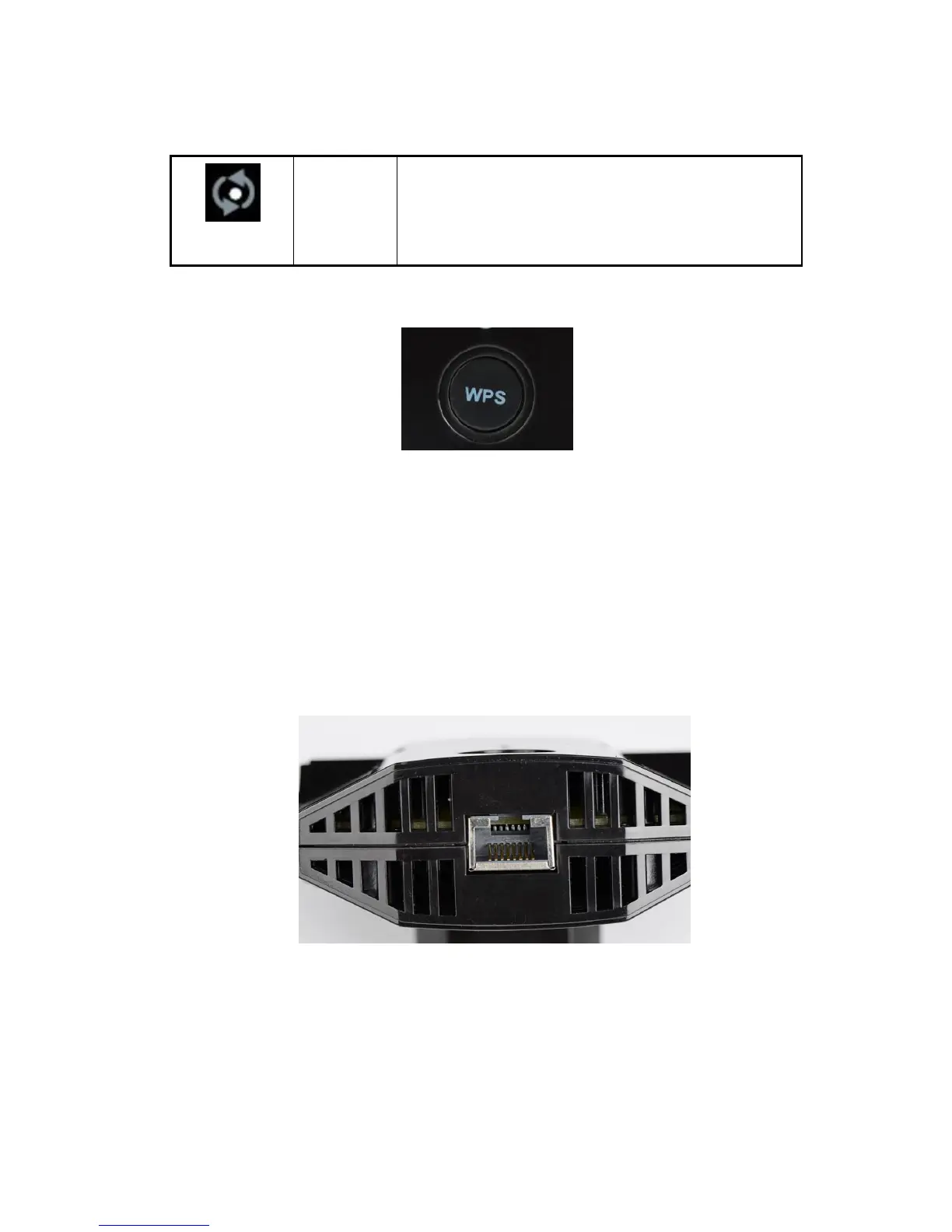
WPS button: Press the WPS button to wirelessly connect the Extender to your router or wireless
adapter.
The side panel has the following feature:
Reset: Factory Reset button. To use this button, stick a paper clip into the reset hole and hold it
until the Status LED flashes.
The down panel has the following feature:
Ethernet Port. You can use this for a wired connection to a computer or other device as described
in the User Manual.
Note: When using extender, forr best performance, position antennas pointing up.
On: There is wireless security (WPA or WPA2).
Blinking: Trying to establish a WPS connection
Off: WPS function is off or no WPS connection


 To Next Page