KW6512 LinkSmart Wireless Router User Manual
10
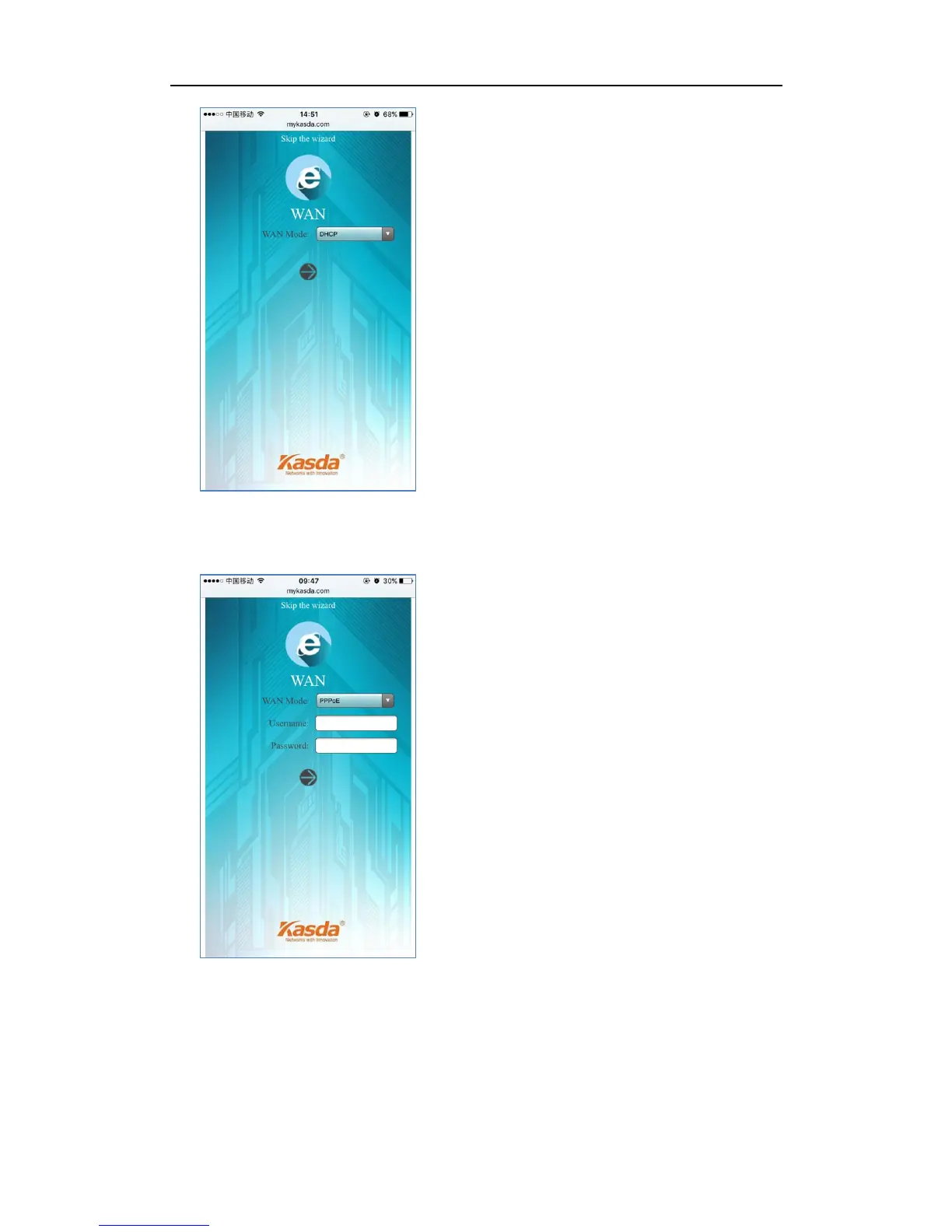
If your ISP gives you a PPP username and password for you, choose “PPPoE” and
type in the username and password.
If you have a IP address to connect to the Internet, choose “Static IP” and type in
the IP Address, IP Subnet Mask, Gateway IP Address and DNS Server.



 To Next Page