KW6512 LinkSmart Wireless Router User Manual
11
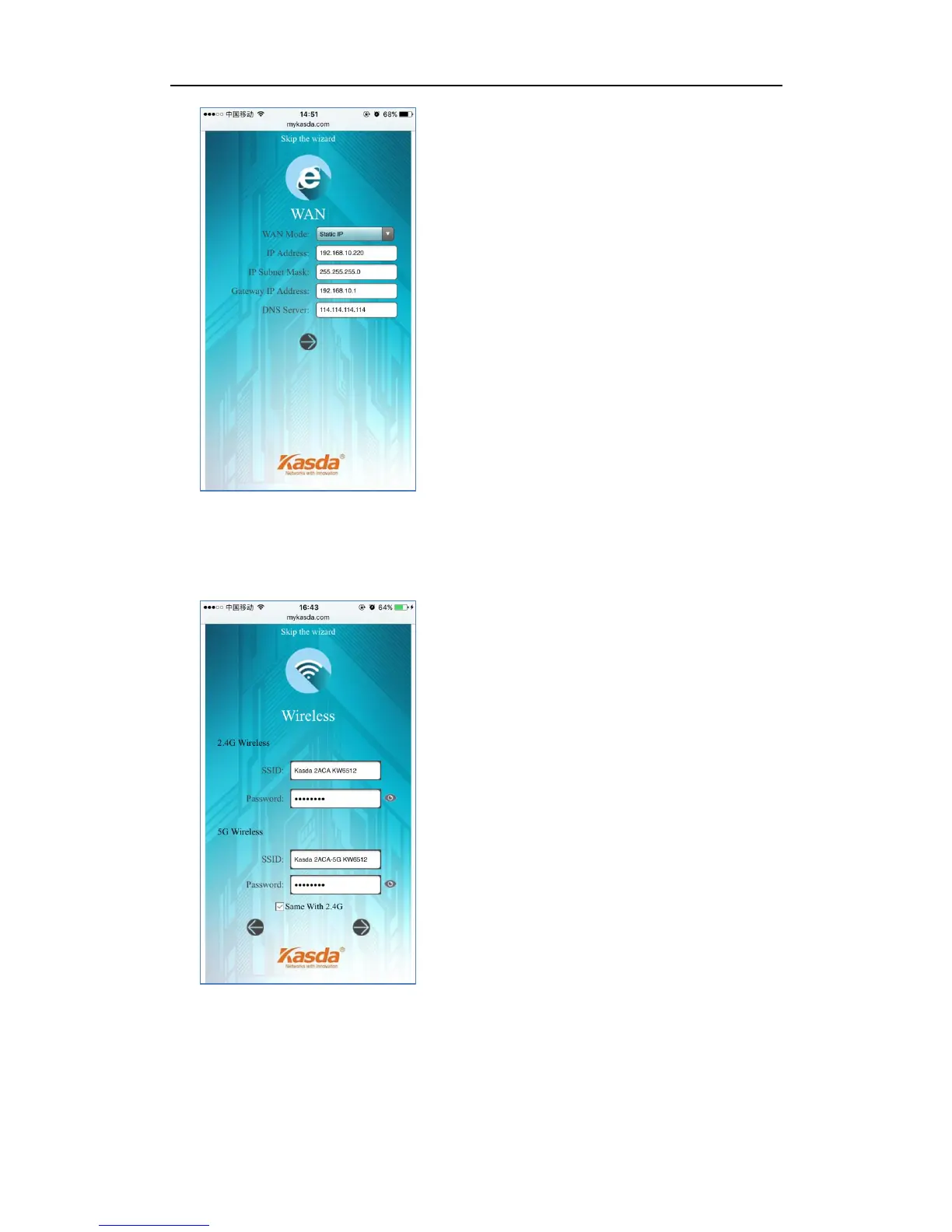
4. Setup your 2.4GHz & 5GHz SSID and password. On the following page, you can
rename the SSID and change password or just let it be default. The default
password is 12345678, you can check it by clicking the eye button.
5. Click Save/Apply and wait for changes to be applied.



 To Next Page