KW6512 LinkSmart Wireless Router User Manual
12
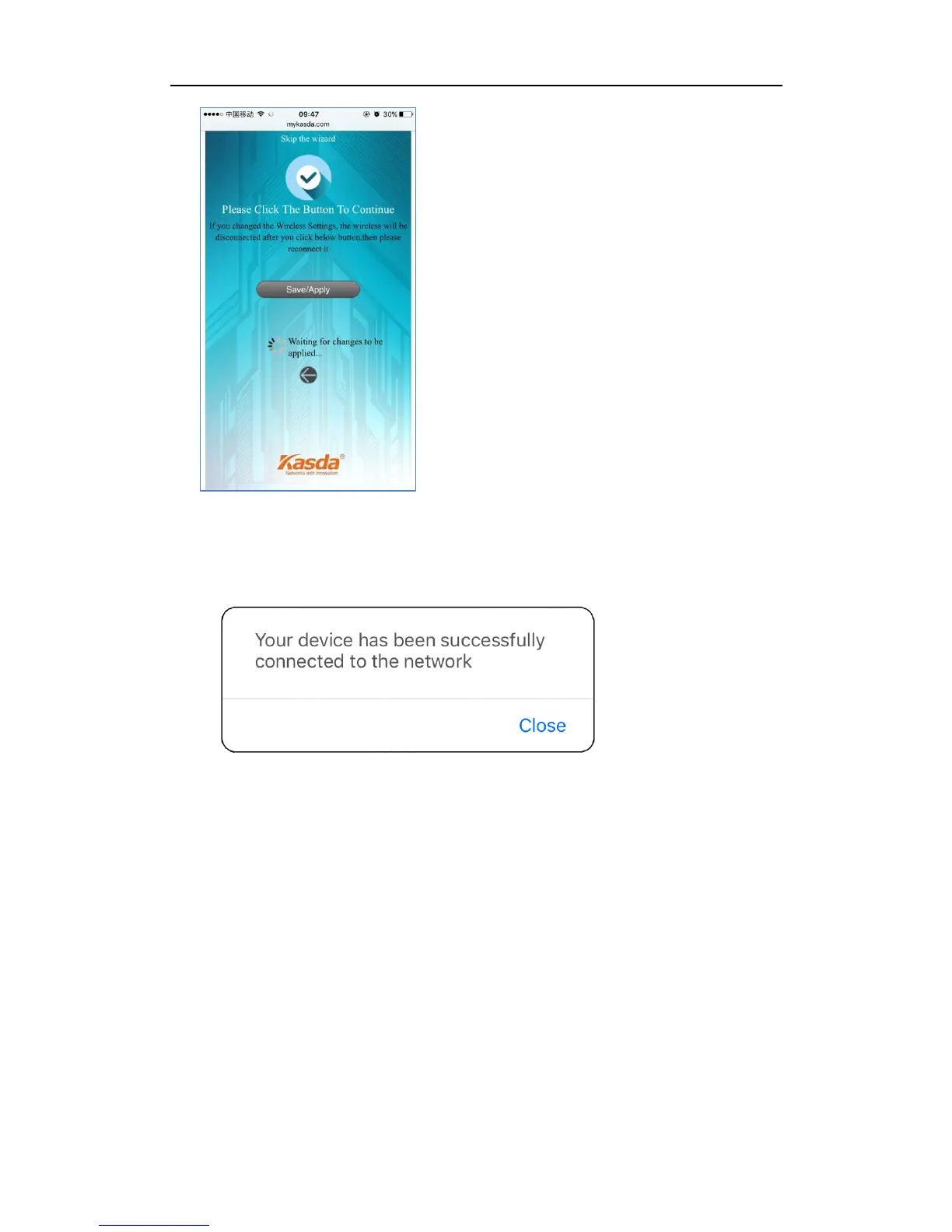
When it blows up the following tips, then you can connect your wired or wireless
devices to the Internet.
Note: If you have changed your wireless network name and password, you must
sign in with new SSID/password to regain access to the Internet.
5.2 Quick Setup of router via PC
1. Connect your PC to router wired or wirelessly.
2. Launch a browser, such as Internet Explorer or Chrome, and then use
www.mykasda.com to log on the web management page. Here please setup
your initial login password. Then click next button to continue.



 To Next Page