12
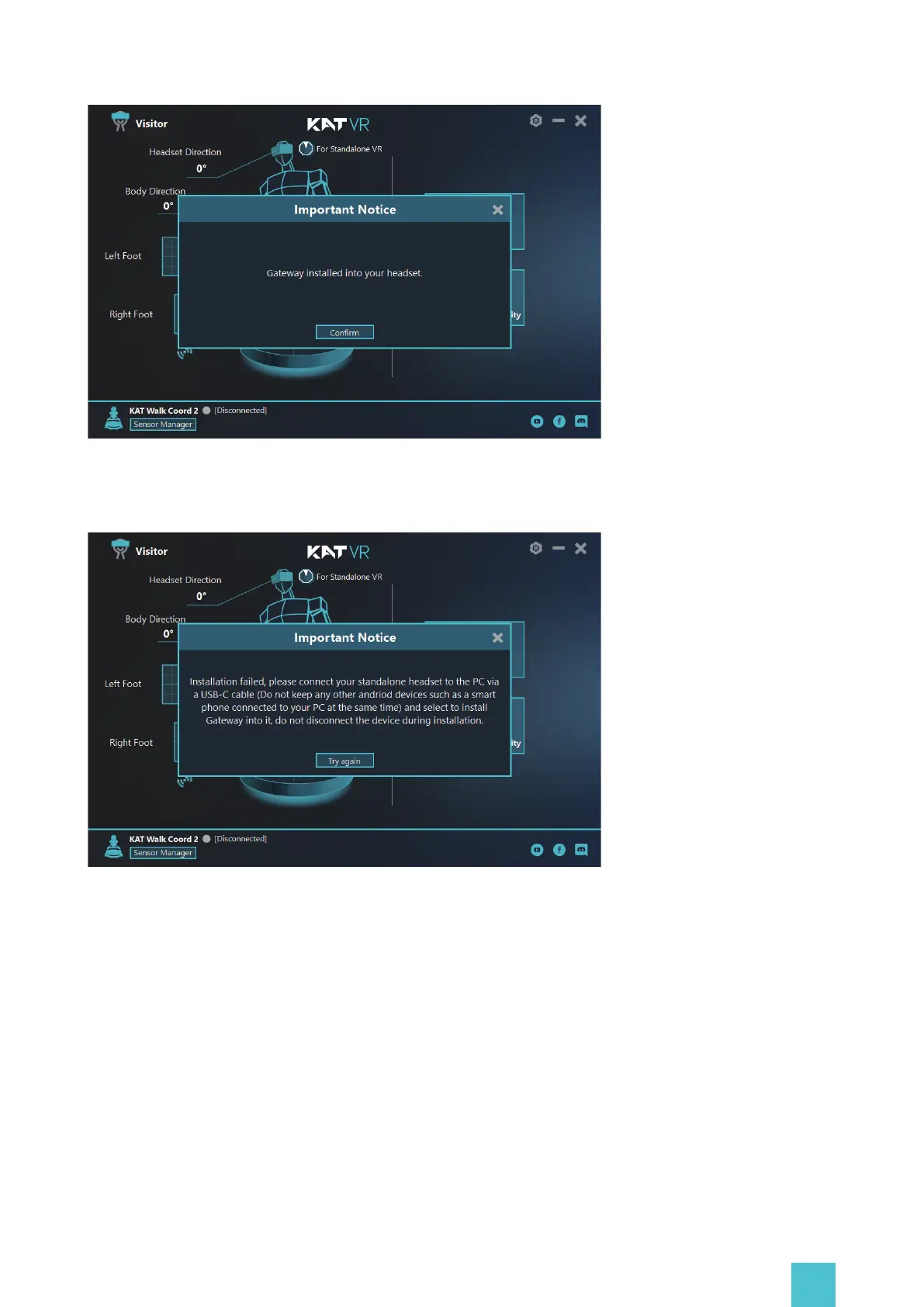
Failed Installation Prompt: If the installation failed, please connect your standalone headset to
the PC via a USB-C cable and select to install Gateway into it, do not disconnect the device
during installation.
Via Sidequest(Recommended for Side quest users)
Visit the official website at: https://www.kat-vr.com/,and click 'Support' . In the product list select
KAT Nexus and proceed to the product resource page. Download KAT Gateway of Nexus onto your
computer (Windows 10 x64) and extract it.
Successful Installation Prompt: Gateway installed into your headset.


 To Next Page