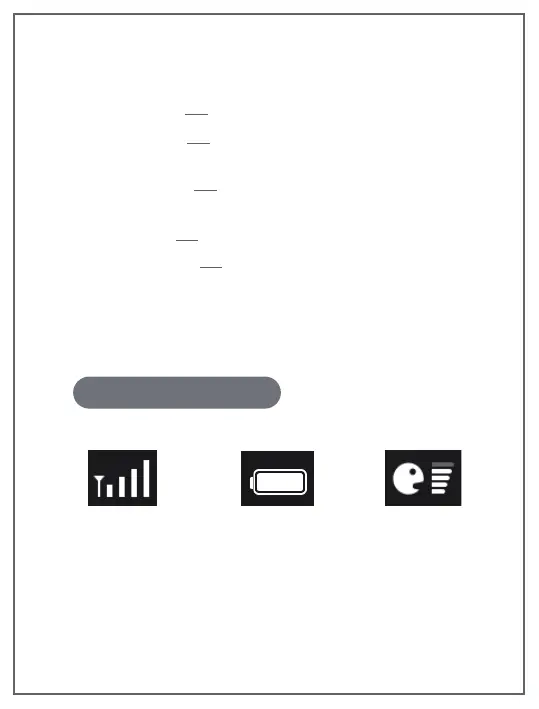
2. Small icon description
Wireless signal
strength
Current battery power
status of monitor
The volume level
of the room where
the camera is located
Temperature Unit ℃ and ℉ are optional.
Select the desired temperature unit.
Anti-Screen Flicker If the baby monitor's screen is flickering,
change to the other Anti-Screen Flicker mode.
Default Settings Reset all options to their default setting.
Version Information Display Monitor version number, Camera
version number, Monitor SN number, Camera SN number.
Language Setting Set the monitor display language.
17 EN


 To Next Page