24412 Main St. Suite 105, Carson, CA 90745
5-If Cleaning LED flashes quickly and the unit stops making ice (If this
section can le blem, leae g ecin 10 or check your
installation clearances and ambient temperature)
x Empty the ice bin and water reservoir following instructions in Section 2.
x Fill the water reservoir with clean potable water to MAX WATER FILL.
x Plug the unit into power. Add Water LED will flash quickly with 5 beeps if
the water reservoir is full.
x Press and hold the Clean button for 3 seconds to start cleaning for
defrosting process. The Cleaning LED will illuminate (it takes 30 minutes
to complete and the Cleaning LED goes off).
x Press the Make Ice button once to start making ice.
6-If all LEDs illuminate simultaneously and water is filled to MAX
WATER FILL
x Drain water following instructions in Section 1.
x Fill the water reservoir with clean potable water to MAX WATER FILL.
x Plug the unit into power again. Add Water LED will flash quickly with 5
beeps if the water reservoir is full.
x Disconnect the UR tube connector for 5 seconds to release air and
reconnect it again.
7-If the unit den a making ice but it has dispensed all ice
x Press and hold the Dispense button for more than 30 seconds to restart
making ice.
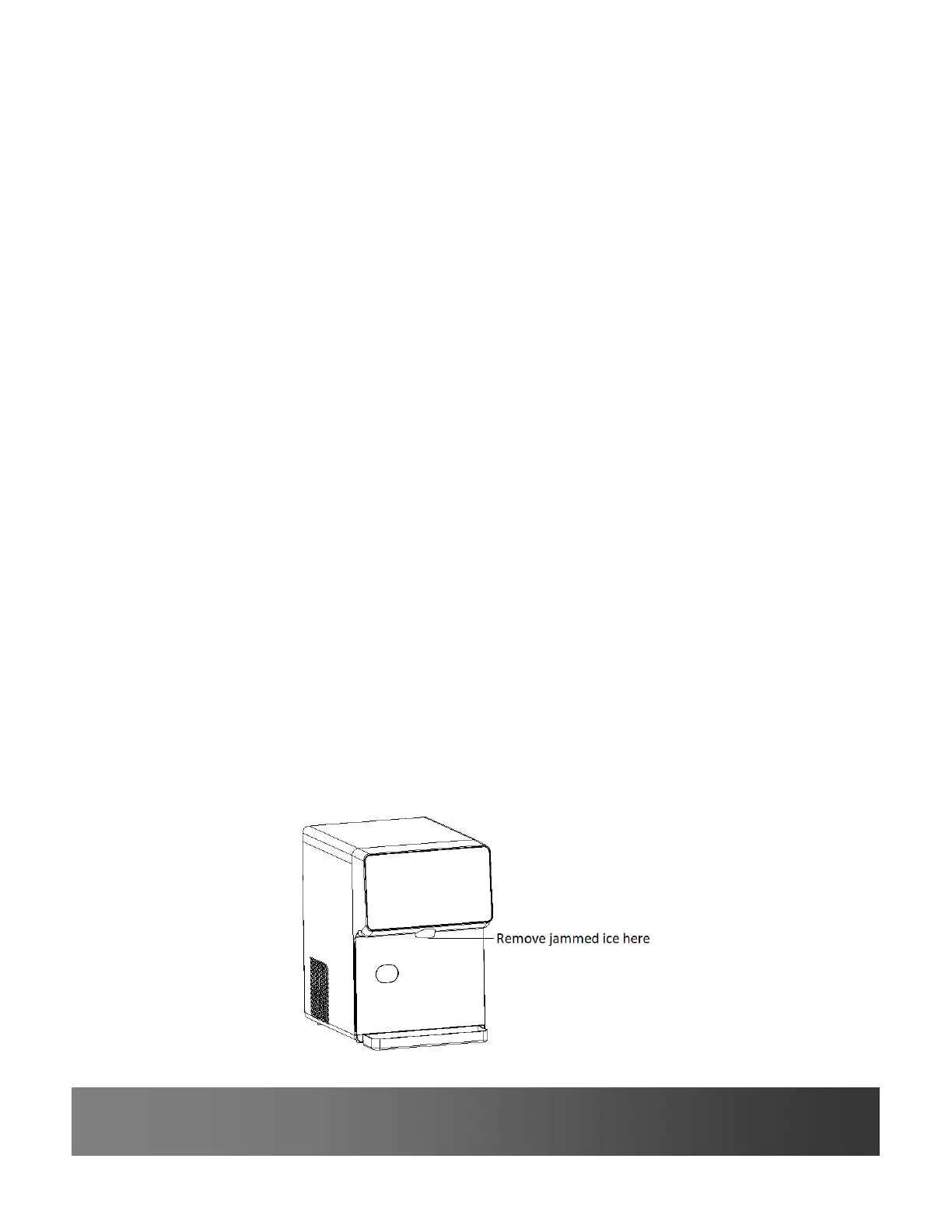
8-If ice is jammed at the dispense point and the ni can dispense ice
x Remove the jammed ice in the dispense point with a teaspoon.
x Or break the jammed ice by pressing the Clean button while you hold
the Dispense button.
x Then press and hold the Dispense button to dispense ice.



 To Next Page