8
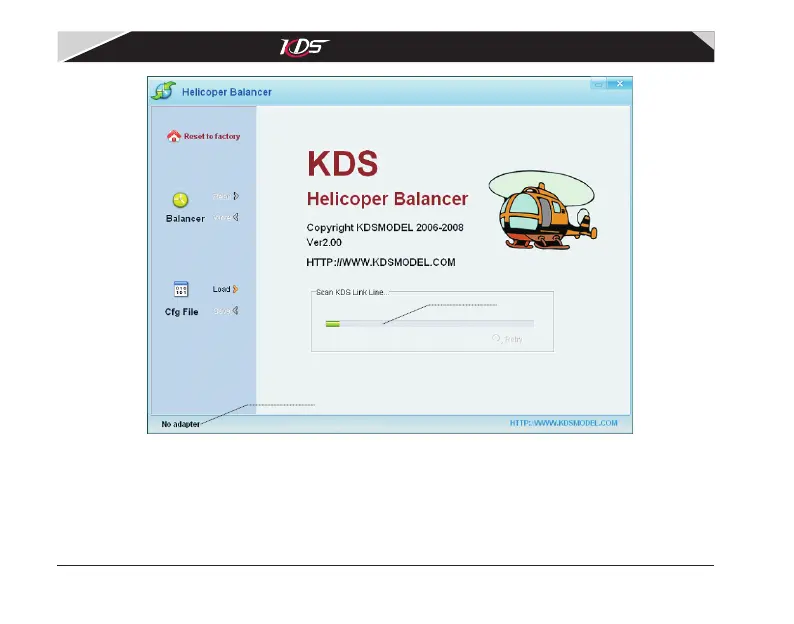
Diagram2.1.2 Configure software
Auto scan adapter
The software will search KDS USB adapter automaticlly after it running, if it could not find the
adapter, a balloon will be shown as diagram2.1.3. Please confirm the adapter was connected
properly, then click 'Retry'. If the apapter can not be found at all times, please contact
your distributor.
Connect status
KDS Flymentor 3D User Manual
07-17-平衡仪说明书(英文).pdf 11 2009-8-3 15:06:46



 To Next Page