29
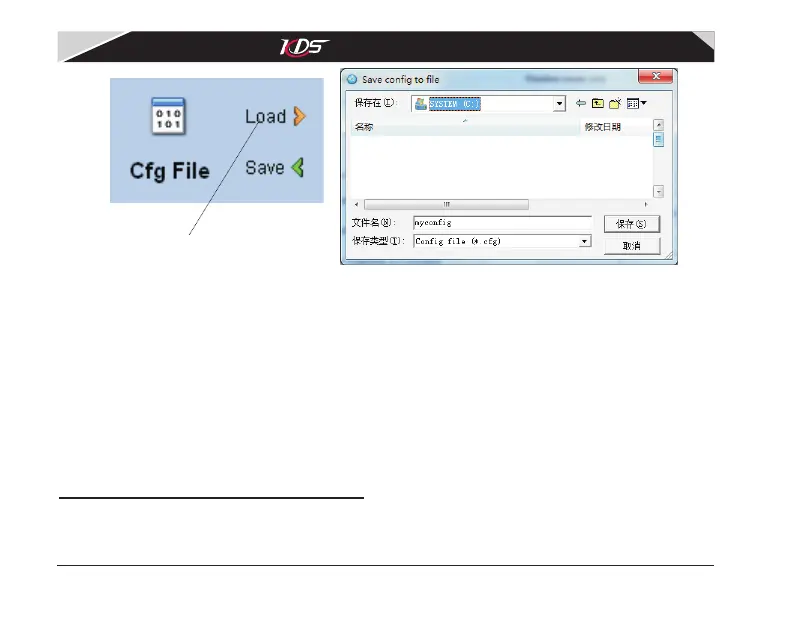
'Import' button
Diagram 5.2.1 Import config file
After importing, you must click 'Write' button to save them into Flymentor 3D, because the
importing only load parameters to the pages for adjusting.
*Attention: the exporting and importing of config file are all base on the software interface.
In another words, when importing, the software loads parameters from config file and
updates the elements on the pages, when exporting, the software makes parameters from
pages then store them into config file.
6. Restore factory settings
You may do some major changes to the setting after many attempts. Because Flymentor 3D is
a complicated system, there are some links between each parameter. So after many times
modification, the effect of Flymentor 3D may be terrible.
KDS Flymentor 3D User Manual
07-17-平衡仪说明书(英文).pdf 32 2009-8-3 15:06:48



 To Next Page