16
arrows.
2) Main rotor direction
You can look into your rotor, record the rotate direction ( clockwise or counter
clockwise), and set this parameter.
3) Swashplate type
Select your swashplate type here.
*Attention: Please refer to chapter 2 for computer connection and parameters adjustment.
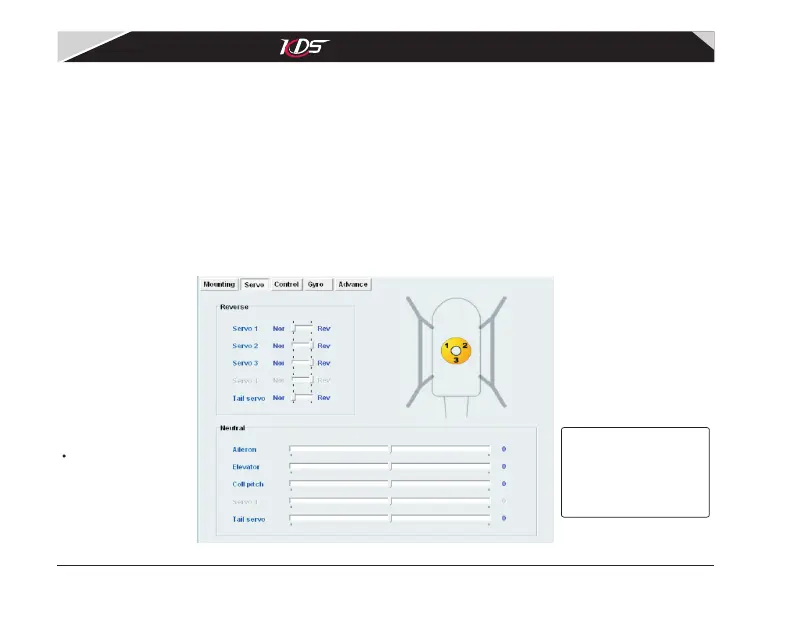
3.4 Adjusting 'Servos parameters'
The page is used for setting servo reverse and neutral. See diagram3.4.1. The parameter
about servo4, will be set only under four servo swashplate mode.
*Attention:
to avoid injury,
please unmount
main rotor and shut
off power!
Abbildung 3.4.1 'Servo'-Einstellungen
KDS Flymentor 3D User Manual
07-17-平衡仪说明书(英文).pdf 19 2009-8-3 15:06:47



 To Next Page