Settings
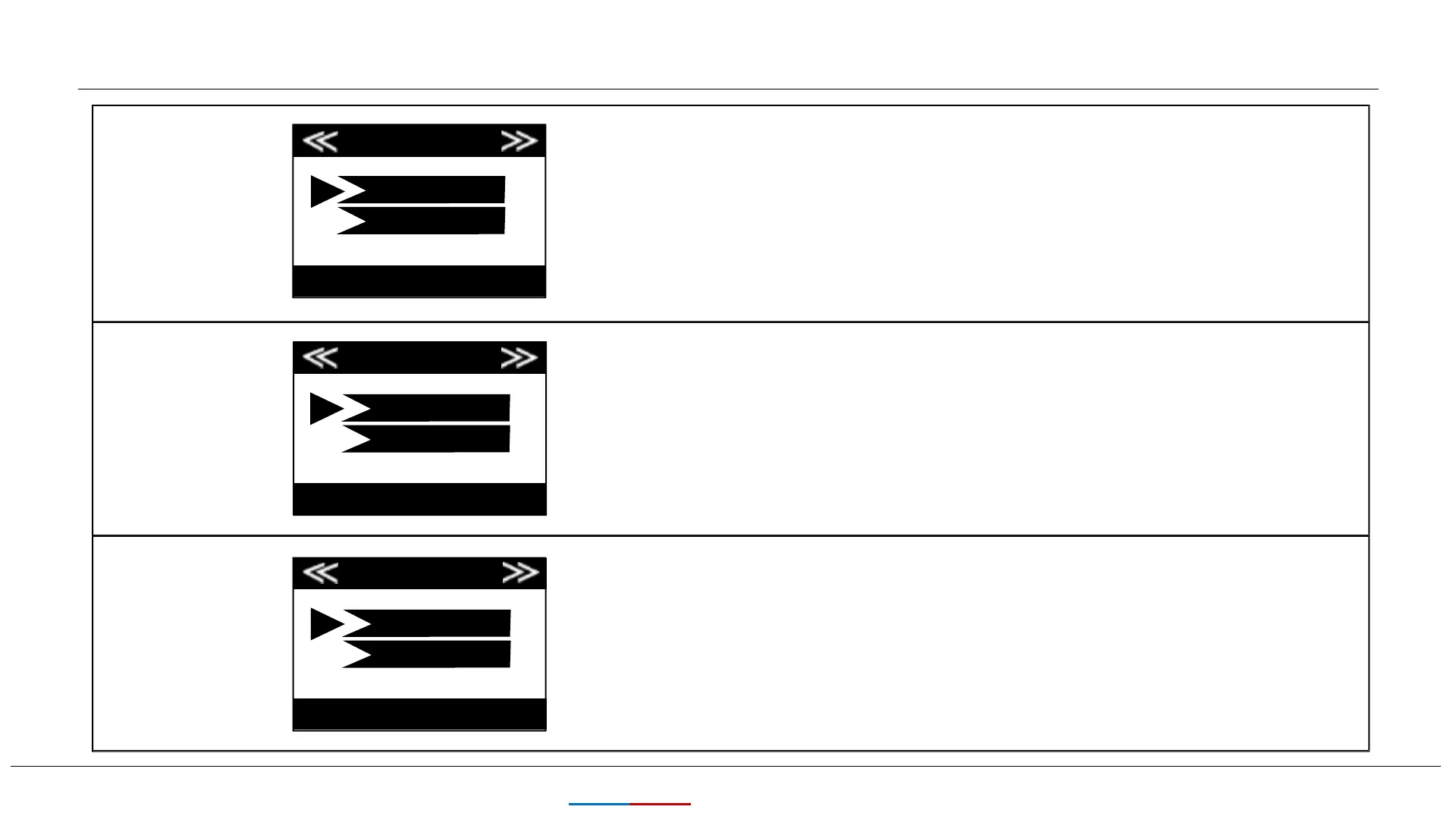
Password
13
KEEPTIME
Password
ON
OFF
OK Set MENU Exit
Image Recycle
Image Recycle
Select”ON”If you want to protect your camera with a
password. Once password is set, whenever you turn on the
camera, you will need to enter a four-digit password. Select
“OFF” for no protect with a password.(Please remember your
password.) Once all settings are made, press OK to save.
Time Stamp
(only affects
photos)
Time Stamp
OK Set MENU Exit
ON
OFF
OK Set MENU Exit
Select “ON” if you want the date & time imprinted on every
photo, select “OFF” for no imprint.
When the SD card memory is full, it will automatically make
your new file overwrite the previous files. Please download the
picture in time and choose carefully.
ON
OFF


 To Next Page