Settings
Video Sound
14
KEEPTIME
Video Sound
ON
OFF
OK Set MENU Exit
Wireless
Wireless
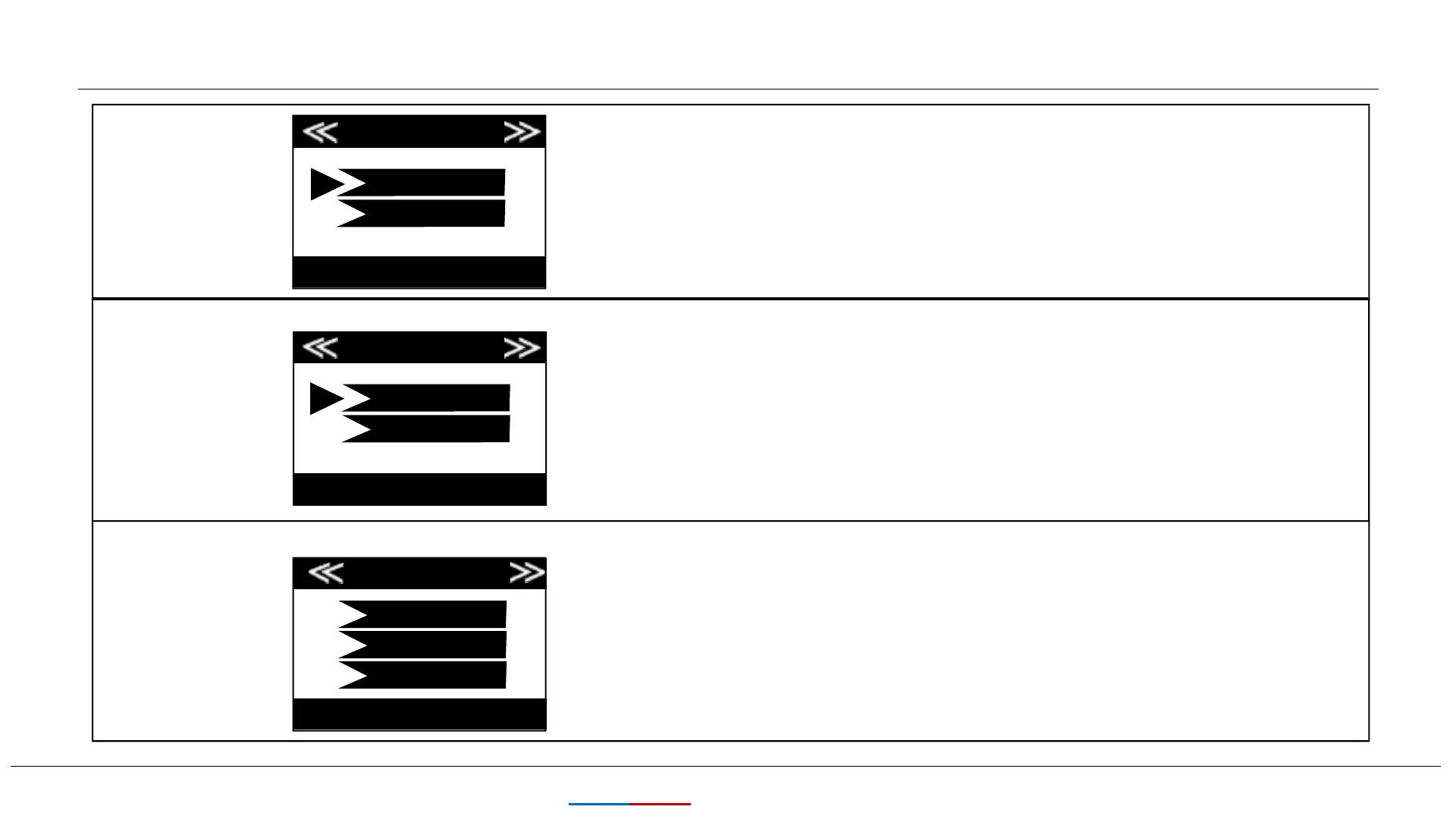
Select “On” to record audio along with the video when the
camera is set to video mode (saved file sizes will be slightly
larger). Press OK to save.
Transmit
Frequency
Immediately
TransmitFrequency
OK Set MENU Exit
ON
OFF
OK Set MENU Exit
This choice is about how frequently you would like
the camera to send images to you. To save battery
life, you may choose Weekly.
Daily
Weekly
This choice is about wireless function ON/OFF. If you want
to send photo to you mobile phone's APP or email, please
turn it on.


 To Next Page