4
ZERO-MODE
The zero of the system can be adjusted with the
command ZERO.
Activate ZERO.
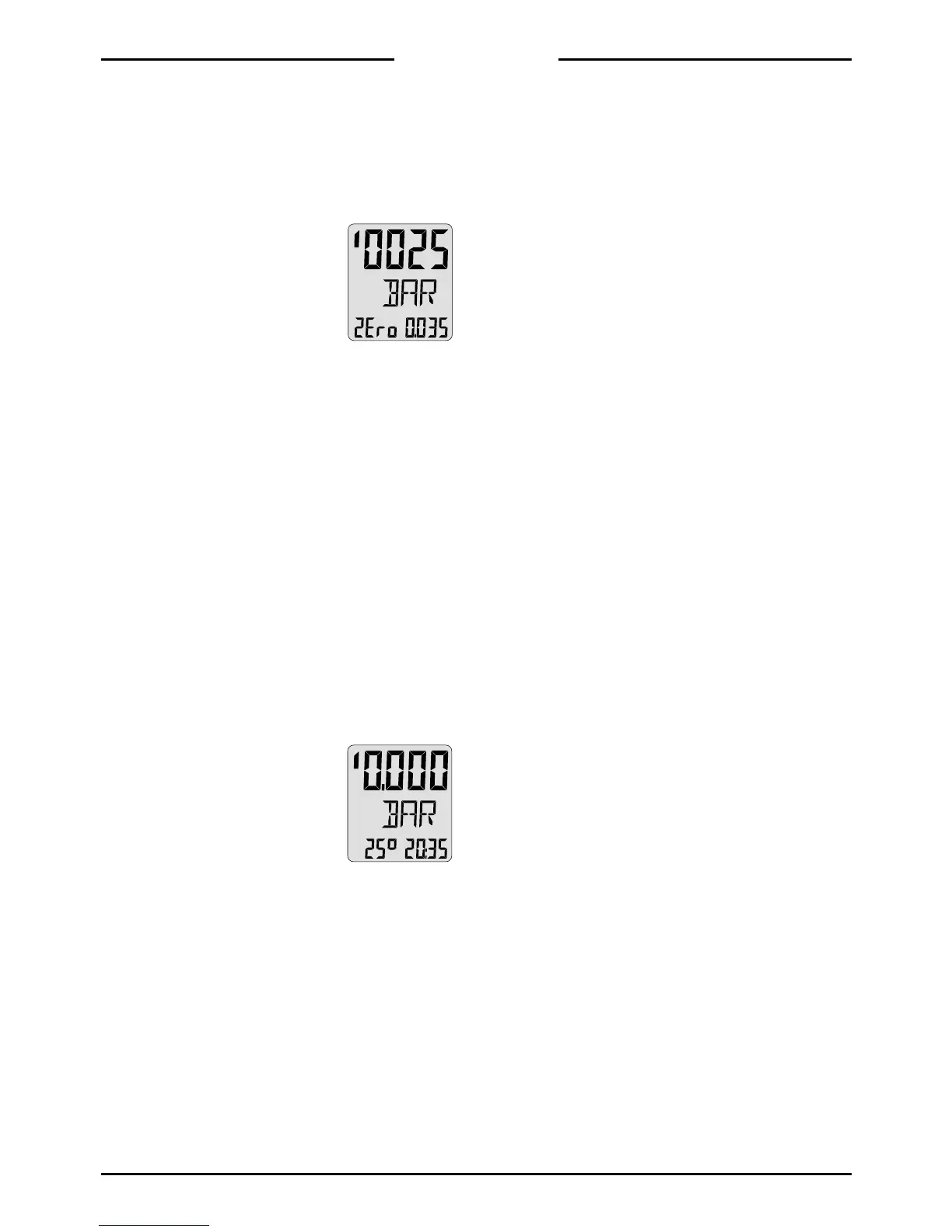
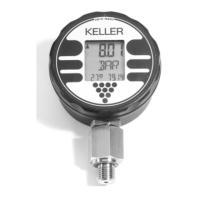
The display shows:
- Upper display: Actual pressure
- Lower left: ZEro
- Lower right: The actual zero
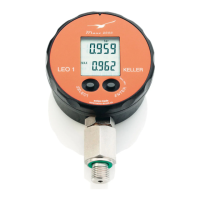
The zero is now ready to be reset. Activate
ZERO once more for permanent zero reset.
After setting the new zero, the Intelligent Mano-
meter returns to the mode it was prior to activa-
ting the ZERO-command.
Note:
If the above setting was activated by mistake,
turn off the instrument with the command OFF.
When restarting, the instrument will lead into
the Mano-Mode.
The Intelligent Manometer may be supplied fit-
ted with two sensors. Within ZERO, one has the
possibility to switch back and forth between the
two sensors with the command EXE. The arrow
on the upper left display points upwards if sen-
sor 1 is active, downwards if sensor 2 is active.
After the selection of the desired sensor, the
zero of the corresponding sensor can now be
reset by activating the command ZERO.


 To Next Page