OPERATION
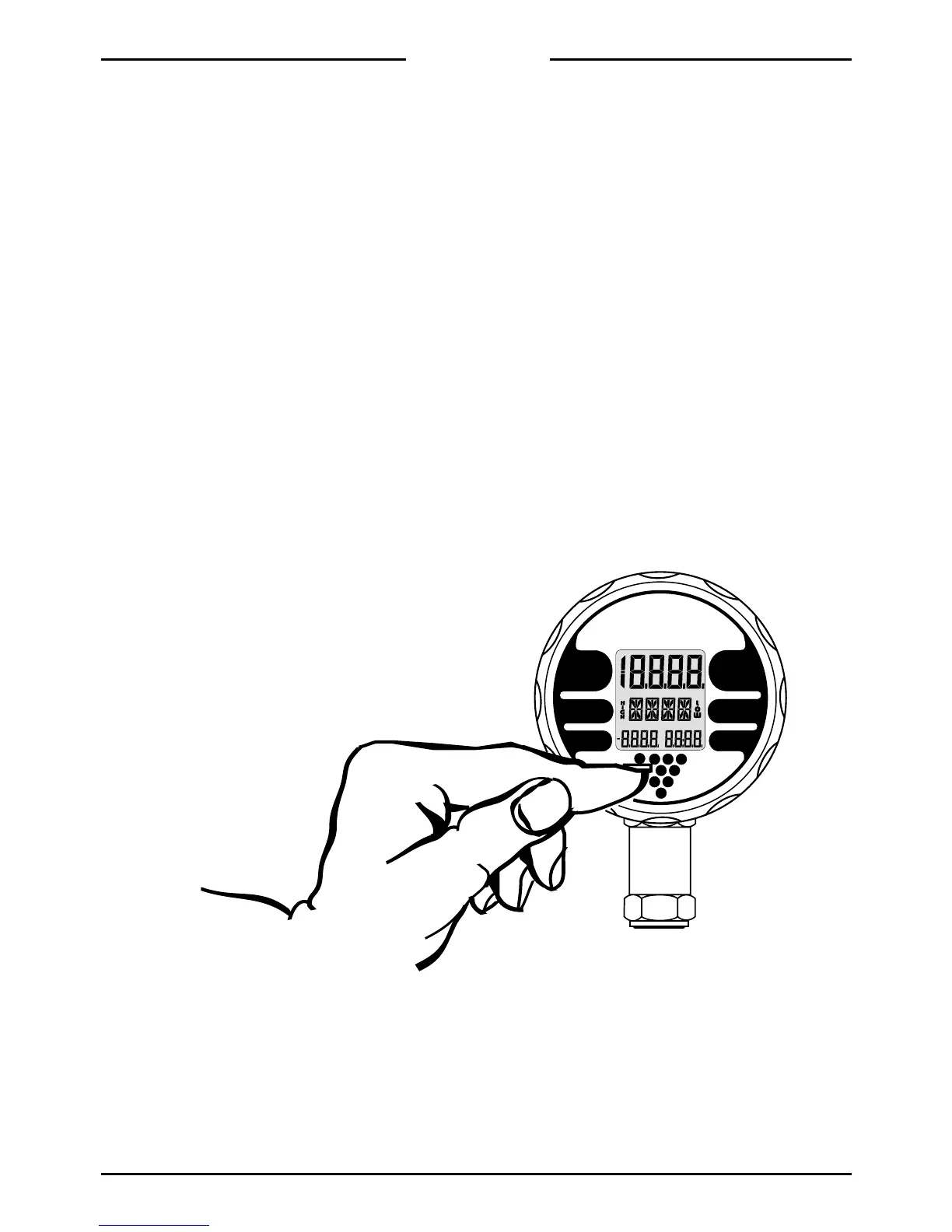
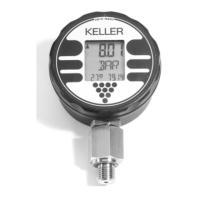
Depressing the front key (marked by a pointed
triangle) sets the Intelligent Manometer into
operation.
After turning on the instrument, all segments of
the display flash three times for operational test.
Between the segment tests, the Intelligent
Manometer displays:
- the measuring range on the upper display
(i.e. 20.00)
- the software program number on the middle
display (MR01)
- the year and calendar week of the program
version (94:23) on the lower right display
2
After this test, the instrument will lead into the
function from which the instrument was pre-
viously turned off.
All commands are selected with the front key.
When the front key is depressed and held, all
commands appear in succession. Releasing
the front key executes the displayed command.
This cycle (constantly depressing the front key
and letting go the key at a desired command) is
subsequently called activation.


 To Next Page