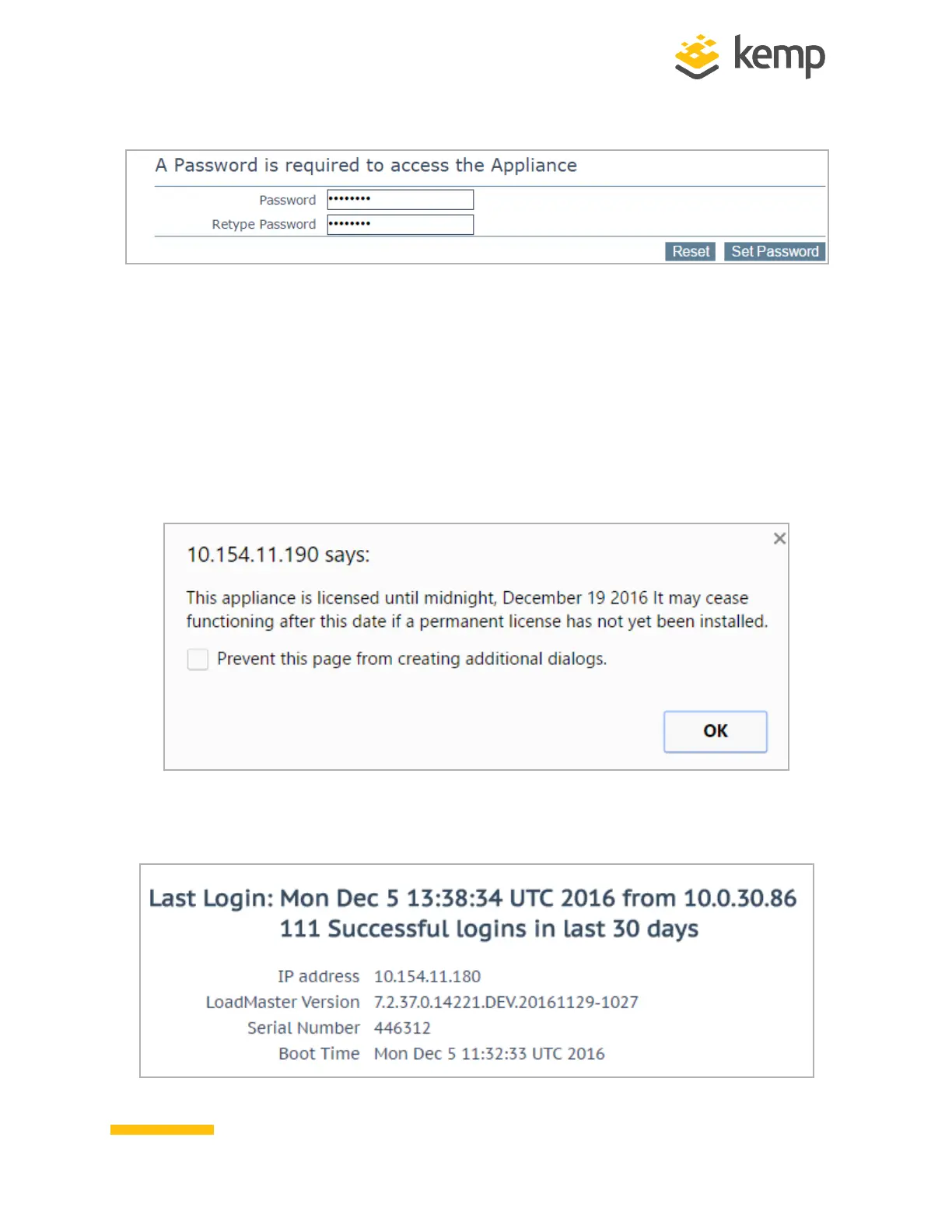
7. Enter a password for the bal user in the Password input field and retype it in the Retype
Password input field.
8. The login screen appears again, enter the bal user name and the new password as
defined in the previous step.
9. In the screen informing that the password has changed, click the Continue button
10. If the machine has shipped with a temporary license, a warning will appear informing
that a temporary license has been installed on the machine and for how long the license is
valid.
11. Click OK.
12. The Appliance Vitals screen of the LoadMaster will appear.
kemp.ax
9
Copyright 2002-2021, Kemp Technologies, All Rights Reserved
Hardware LoadMaster
2 Installing a Hardware LoadMaster



 To Next Page