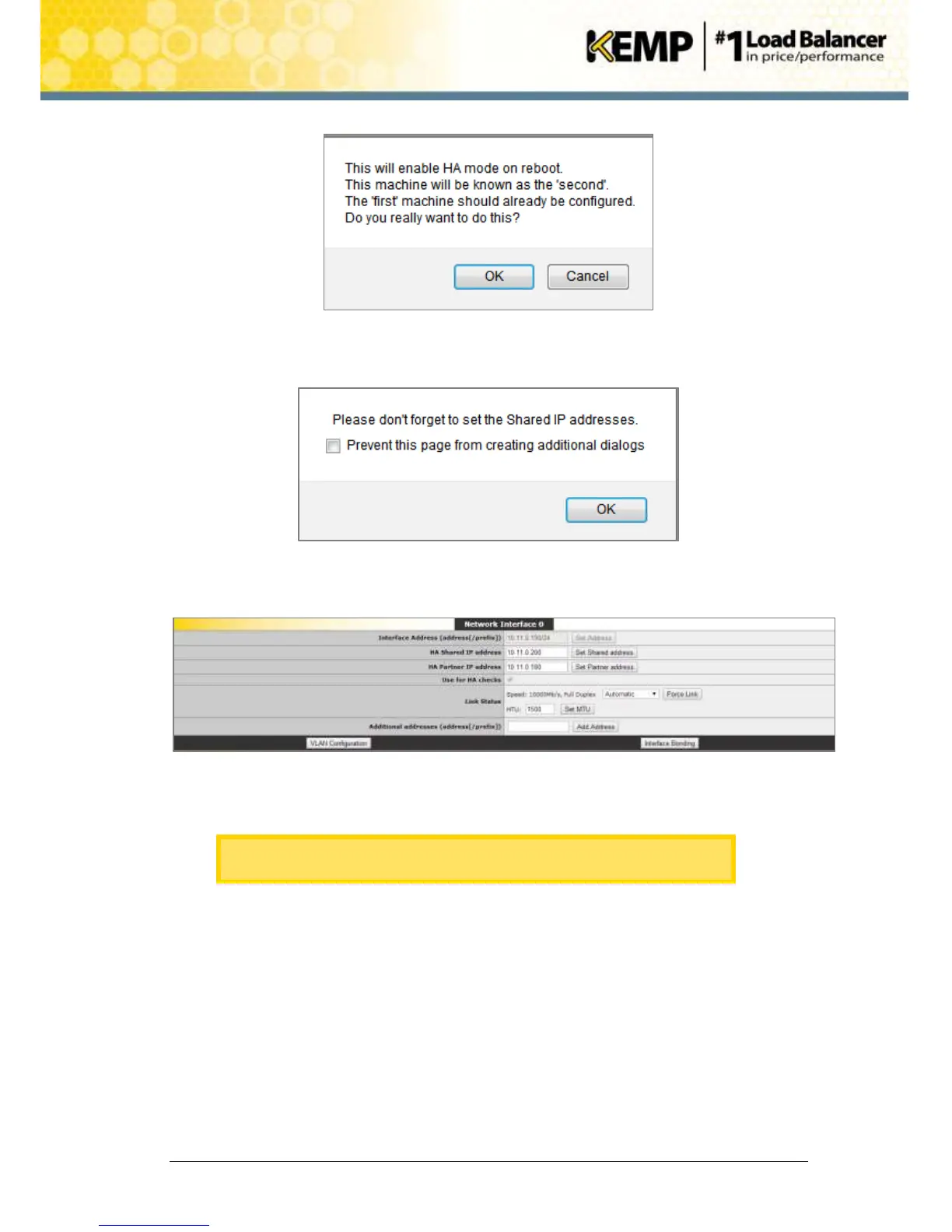
Figure 5-9: Confirmation message
4. Click OK on the resulting message.
Figure 5-10: Shared IP address reminder
5. Click OK on the resulting message.
Figure 5-11: Network Interface screen
6. Enter the HA Shared IP address and click the Set Shared address button.
The HA Shared IP address must be the same as the HA Shared IP
address which was set when configuring the first unit in Section 5.1.
7. Click OK on the resulting message.
8. Click OK on the message asking to reconnect to the shared IP address.
9. Enter the IP address of the first (master) unit in the HA pair in the HA Partner IP address
field and click Set Partner address.
10. Click OK on the resulting message.
11. Change any other settings as needed.
12. Click the Reboot Now button.


 To Next Page