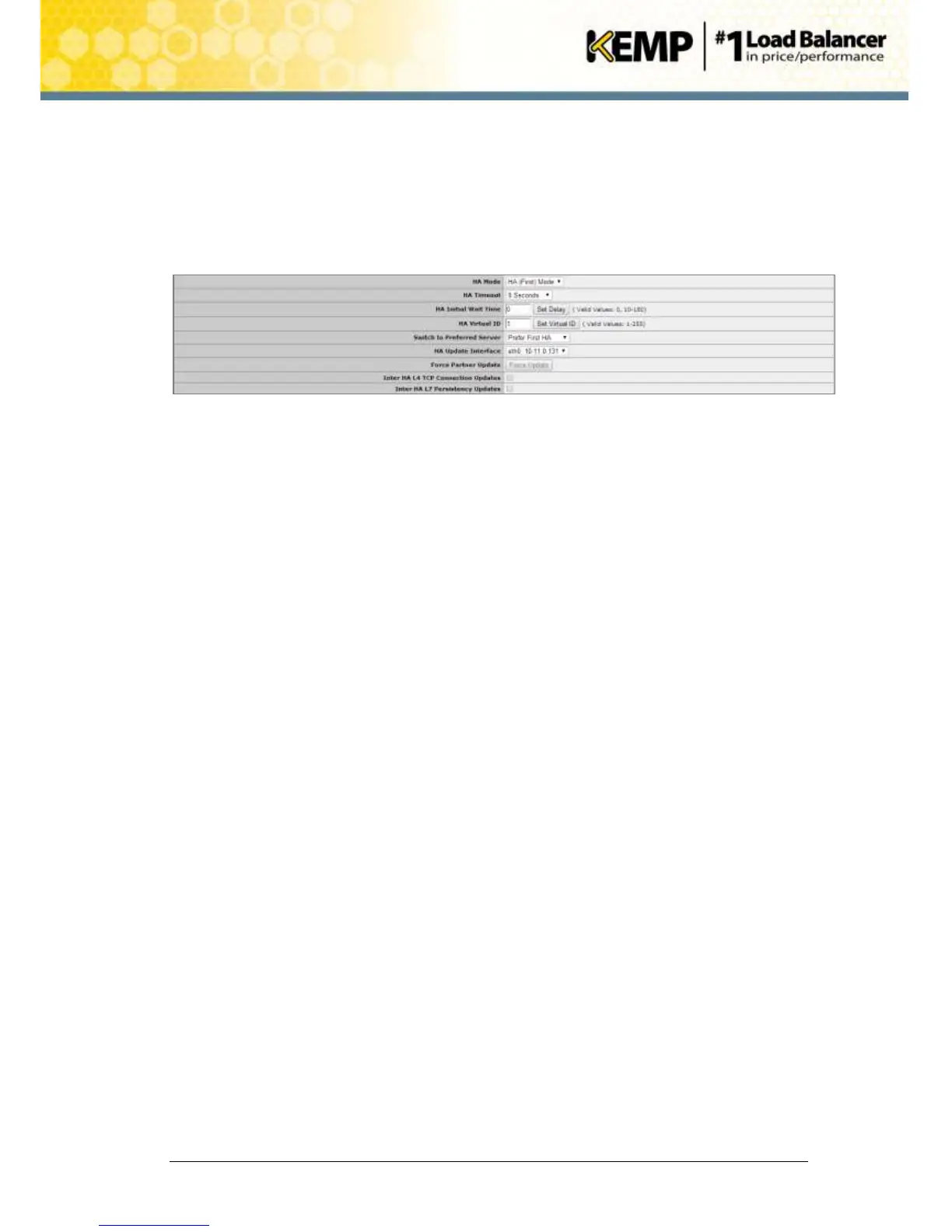
7.2.2 Change the Switch to Preferred Server Option
To change the Switch to Preferred Server option, follow the steps below in the WUI of the
shared IP address:
1. In the main menu, select System Configuration > Miscellaneous Options > HA
Parameters.
Figure 7-5: HA Parameters
2. In the Switch to Preferred Server drop-down list, select the relevant option in order to set
the new LoadMaster as the preferred master.


 To Next Page