8.1.2 HA Parameters
The role of the LoadMaster can be changed by setting the HA Mode. If the HA Mode is set to HA
(First) Mode or HA (Second) Mode, a prompt will appear reminding to add a shared IP. Changing
the HA Mode will require a reboot, so after the details are set, click the Reboot button provided.
Once the LoadMaster has rebooted, the HA Parameters menu option will be available in the
System Configuration > Miscellaneous Options section provided the role is not Non HA Mode.
Configuring both units in the same HA Mode, i.e. HA (First Mode) and HA (First) Mode, will
result in severe operational problems as; not only will both units be master, both units will try to
use the same IP address.
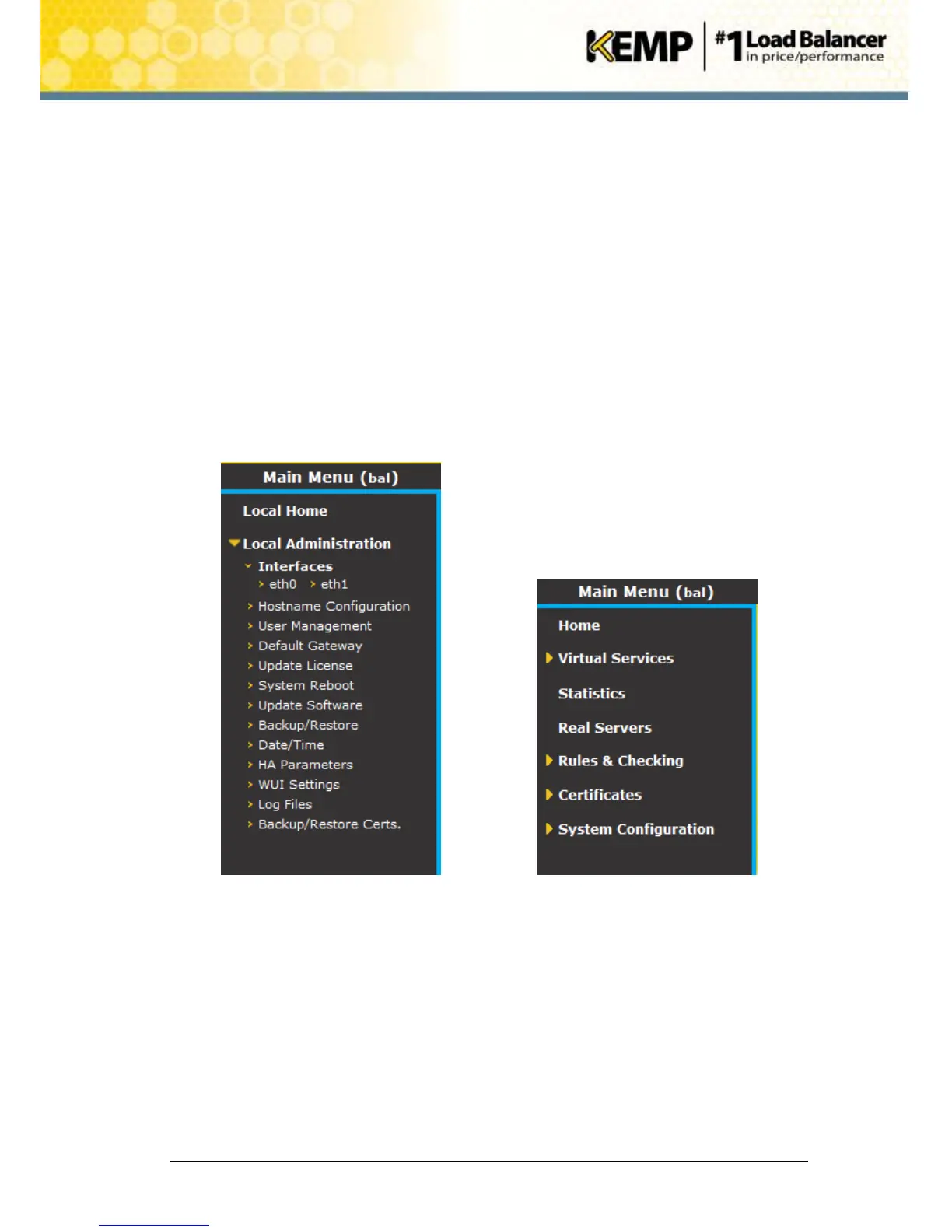
When logging in to the HA cluster, use the shared IP address to view and set the full functionality
of the pair, apart from passwords and licensing. Logging in to the direct IP address of either one
of the devices displays different menu options (see menus below). Logging into one of the
LoadMasters directly is usually reserved for maintenance.


 To Next Page