10 Replacing HA Units
When replacing HA units it is important to follow the correct steps in sequence to ensure that
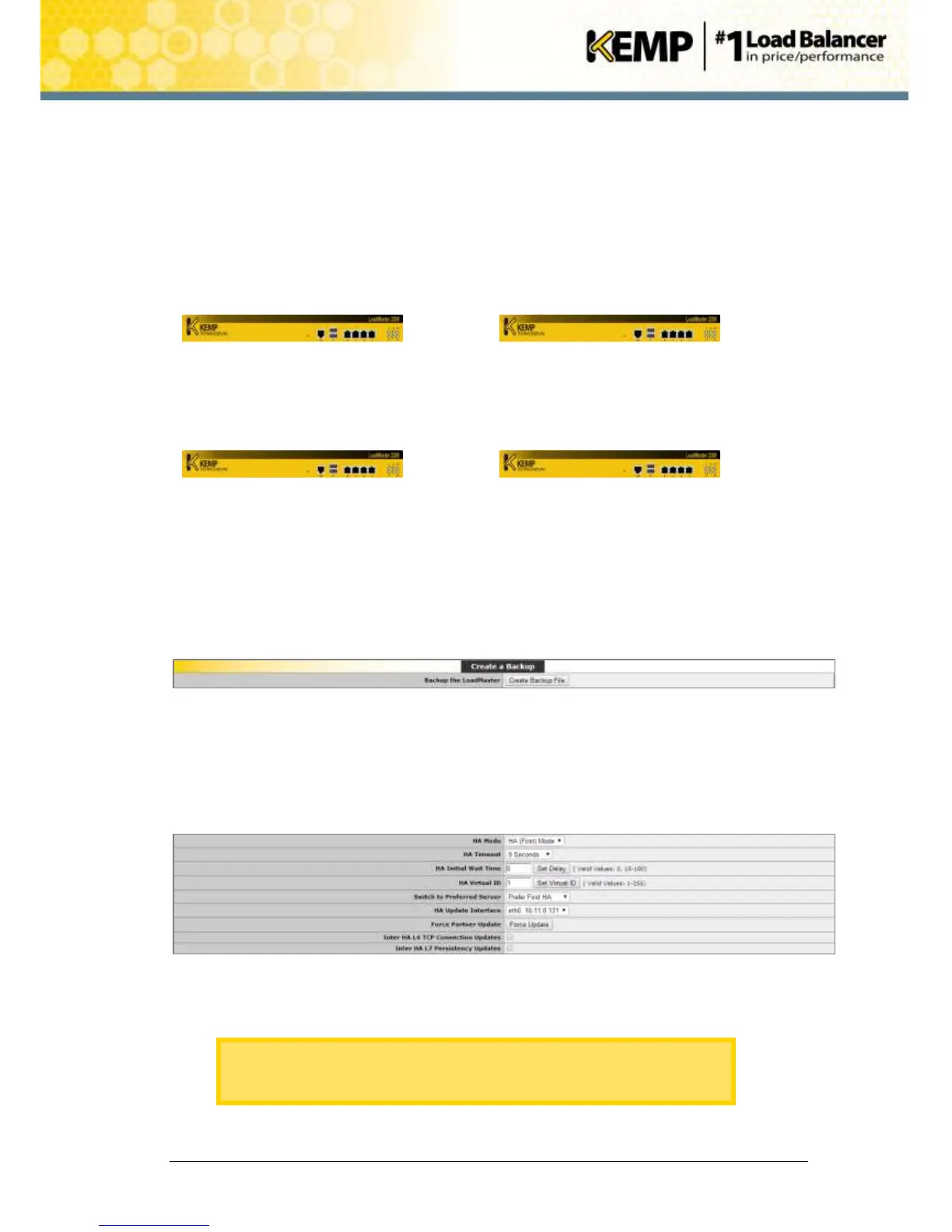
there is little or no downtime for end users. The below example has two old units which are to
be replaced with two new units.
The steps below are written assuming that the new units are powered on and available to be
provisioned and that all cabling is in place.
Update the firmware on the old units if possible. For further information on how to upgrade the
firmware of a HA pair, refer to Section 6 and the 0Software Migration - Version 6 to 7, Technical
Note document.
1. On the WUI of the individual unit being replaced, in the main menu, go to Local
Administration > Backup/Restore.
Figure 10-1: Create a Backup
2. Click Create Backup File.
3. Save the backup file.
4. In the WUI of unit 1 (A), in the main menu, go to System Configuration > Miscellaneous
Options > HA Parameters.
Figure 10-2: Perfer First HA
5. Select Prefer First HA in the Switch to Preferred Server drop-down list.
Specifying a preferred host means that when the machine restarts, the
preferred unit always becomes master and the partner will revert to slave
mode. This may cause connection loss.


 To Next Page