6. Remove old unit 2 (B) from production.
As old unit 1 (A) is master, this should not affect production.
7. In the WUI of new unit 2 (D), in the main menu, go to System Configuration > System
Administration > Backup/Restore.
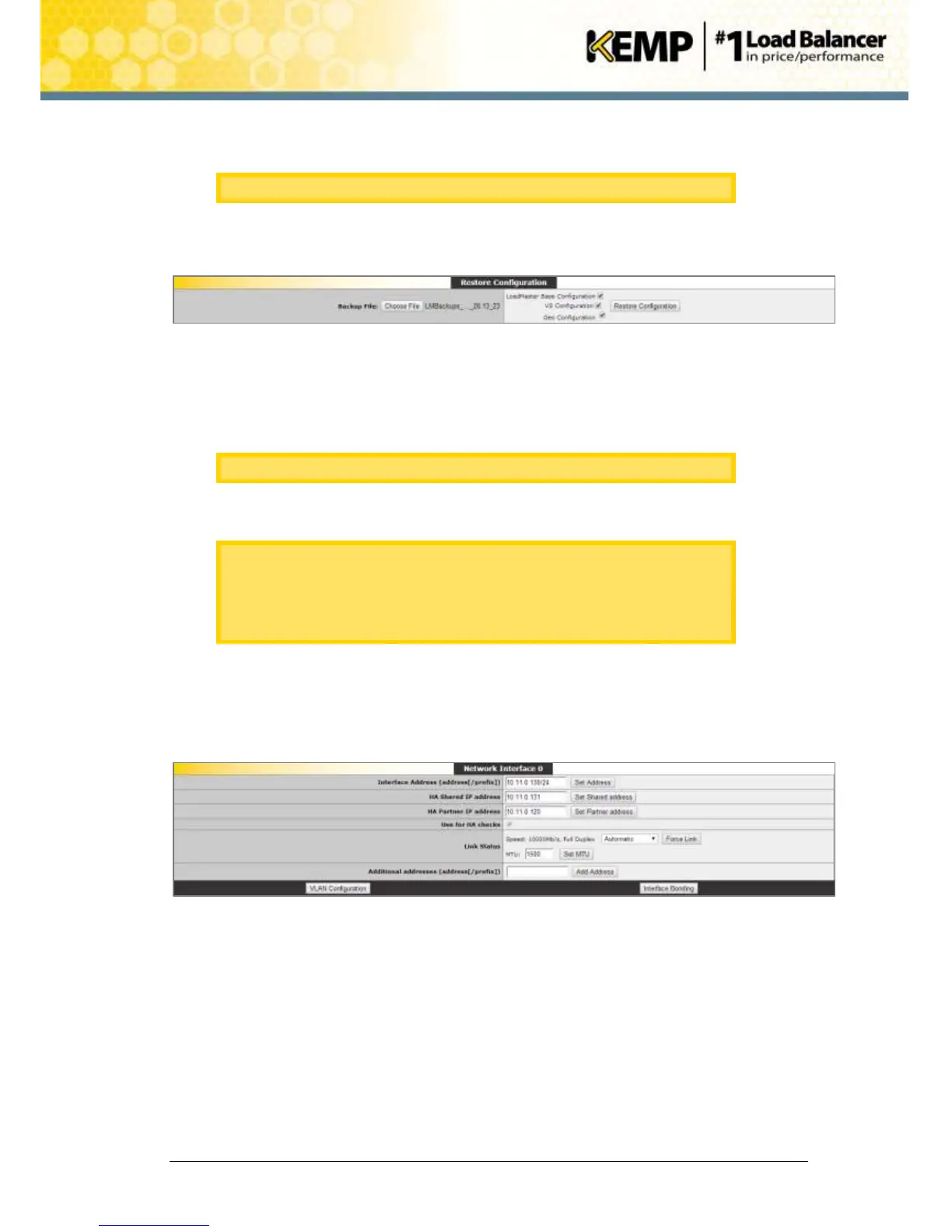
Figure 10-3: Restore Configuration
8. Click Choose File.
9. Browse to and select the backup file.
10. Select the configuration(s) that need to be restored.
This is the backup from old unit 2 (B).
11. Click Restore Configuration.
It is not possible to restore a single machine configuration onto a HA
machine and vice versa.
It is not possible to restore a configuration containing ESP-enabled Virtual
Services onto a machine which is not enabled for ESP.
12. Click Reboot Now.
13. Click Continue.
14. In the main menu, go to Local Administration > Interfaces.
15. Select the relevant interface.
Figure 10-4: Network Interface
16. Check that the Interface Address (address[/prefix]), the HA Shared IP address and HA
Partner IP address are correct before adding it to the production unit.
17. In the main menu, go to Local Administration > HA Parameters.


 To Next Page