EasyManua.ls Logo

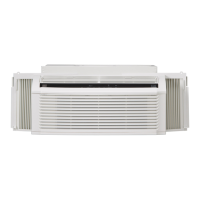
Kenmore 253.70101 - User Manual

Kenmore 253.70101
24 pages
Print Icon
To Next Page IconTo Next Page
Loading...
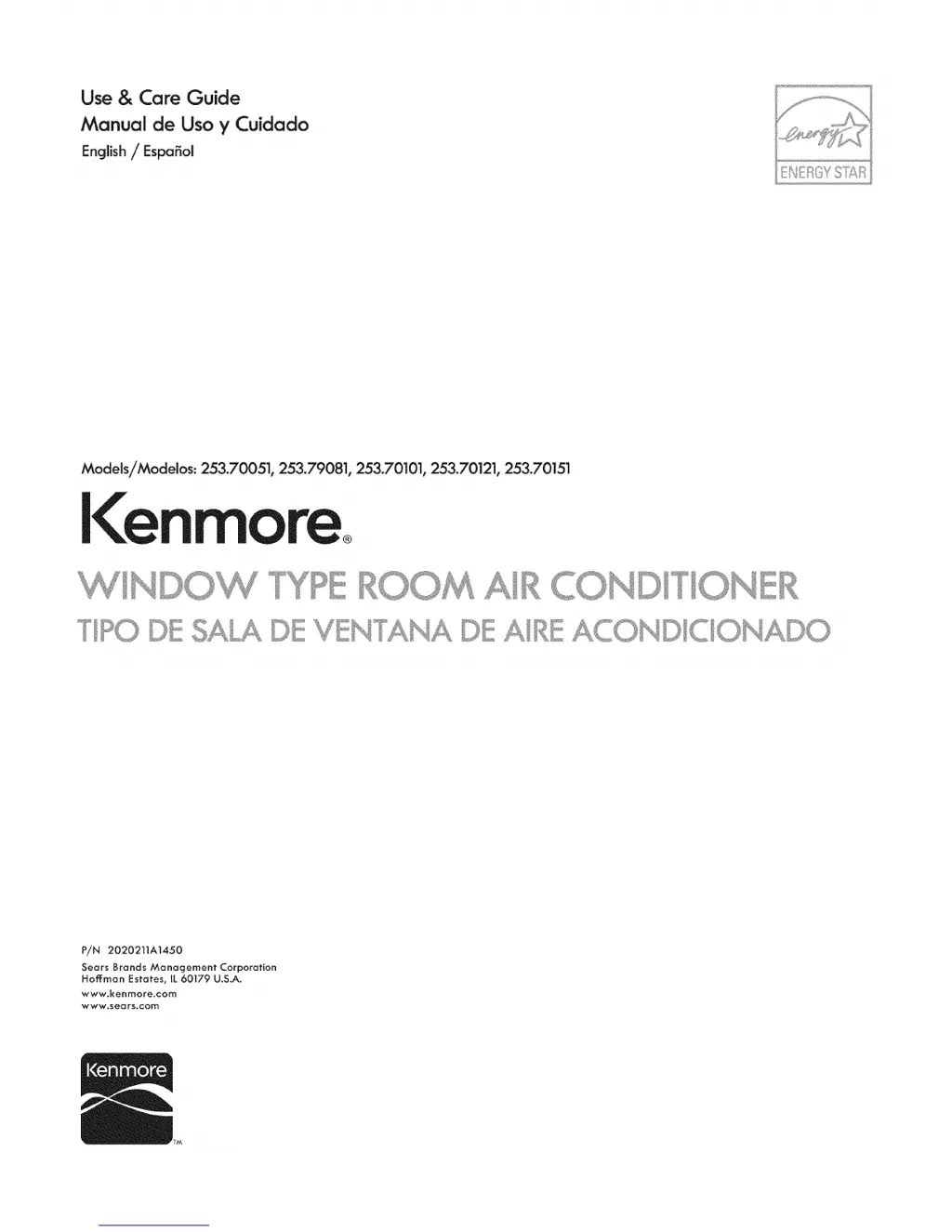
Use & Care Guide
Manual de Uso y Cuidado
English / Espa_ol
Models/Modelos: 253.70051, 253.79081, 253.70101, 253.70121, 253.70151
l<enmore
P/N 2020211A1450
Sears Brands Management Corporation
Hofl:man Estates, IL 60179 U.S.A.
www.kenmore.com
www.sears.com

Questions and Answers

  • A
    Anthony AbbottAug 20, 2025
    What to do if my Kenmore Air Conditioner is not cooling and there's ice behind the front panel?
    • W
      wleAug 20, 2025
      If your Kenmore Air Conditioner isn't cooling the room and there's ice behind the front panel, it could be due to several reasons. If the outside temperature is below 60°F, set the mode to FAN ONLY and the fan speed to the fastest setting to defrost the coil. A dirty filter can also cause this issue, so open the front panel, remove the filter, rinse or vacuum it, replace it, and close the panel. Finally, the BTU size of the unit might be too large for the room; in this case, a lower capacity unit may be required.
  • A
    Andrea TerryAug 25, 2025
    What to do if the remote will not operate my Kenmore Air Conditioner?
    • B
      Brittany SchultzAug 26, 2025
      If the remote isn't operating your Kenmore Air Conditioner, first verify that the batteries are installed properly. The remote may not work properly if used at extreme angles to the front of the unit.
  • D
    Deborah FernandezAug 28, 2025
    What to do if water is dripping from my Kenmore 253.70101 inside the room?
    • M
      michelleburgessAug 28, 2025
      If water is dripping from your Kenmore Air Conditioner inside the room, it's likely that the unit isn't properly installed. Ensure the unit is mounted on a downward slope to the outside (1/2 bubble on a carpenter’s level) to provide proper drainage. Reposition or shim the cabinet as necessary, but do not drill the drain pan.
  • T
    Tamara RodgersSep 1, 2025
    What to do if Kenmore 253.70101 keeps blowing fuses or tripping the circuit breaker?
    • B
      Brenda BrewerSep 1, 2025
      If your Kenmore Air Conditioner is blowing fuses or tripping the circuit breaker, replace the fuse with a time delay type or reset the circuit breaker. Avoid using too many electrical devices on the same circuit by unplugging or relocating some of them. If your unit is rated over 7.5 amps, plug it into a single circuit outlet. Avoid using an extension cord. If the unit was turned off and on too quickly, turn it off and wait 3 minutes before restarting.
  • J
    julia05Sep 5, 2025
    Why does my Kenmore Air Conditioner turn on and off by itself?
    • H
      hgriffinSep 5, 2025
      If your Kenmore Air Conditioner is turning on and off by itself, it might be due to a few reasons. If the outside temperature is extremely hot, set the fan speed at the fastest setting for maximum cooling. If the ENERGY SAVER feature is on, note that it doesn't circulate air continually; set the mode to COOL for constant air circulation. Also, check if the timer turned the unit ON or shut it OFF; push the ON/OFF Button to turn the unit ON or OFF.
  • C
    Cindy ParsonsSep 9, 2025
    Why does my Kenmore 253.70101 Air Conditioner run too much?
    • Y
      Yvonne PayneSep 9, 2025
      If your Kenmore Air Conditioner runs too much, it could be because the Energy Saver mode is selected, which causes the inside blower to continue operating for one minute to use as much cooling as possible. Also, if your current unit replaced an older one, the newer, higher efficiency air conditioner may run longer to cool the room, but the total energy consumption is less. Finally, if the BTU size is too small, a higher capacity unit may be required.
  • A
    Andrew FloydNov 12, 2025
    What to do if my Kenmore 253.70101 Air Conditioner will not operate?
    • B
      Billy AllenNov 12, 2025
      If your Kenmore Air Conditioner isn't turning on, there are several potential causes. First, ensure the power cord is firmly plugged into a working wall outlet. Check your house fuse or circuit breaker and replace the fuse or reset the breaker if needed. Make sure the unit is turned ON by pushing the ON/OFF button. If the temperature setting is warmer than the room temperature, adjust it to a lower setting. Note that there's a built-in delay that prevents the compressor from starting for 3 minutes if the unit was recently turned off and on. Also, check if the timer has shut the unit off and push the ON/OFF button to turn it back on. Finally, if the touch pad and remote aren't responding, unplug the unit for 10 seconds and plug it back in to reset the controls. If the power cord has tripped...
  • C
    Christian WellsNov 16, 2025
    Why is my Kenmore 253.70101 Air Conditioner not cooling the room, and there is no ice behind the front panel?
    • A
      alyssa61Nov 16, 2025
      If your Kenmore Air Conditioner isn't cooling the room, but there's no ice behind the front panel, start by checking the filter. Open the front panel, remove the filter, and rinse or vacuum it before replacing it and closing the panel. Ensure that the temperature setting is not warmer than the room temperature by setting it to a lower level. Note that the unit isn't designed to cool if the room temperature is below 60°F. Check that the front and back of the unit are not blocked by furniture, drapes, blinds, leaves, dirt, or branches. Make sure doors, windows, and registers are closed. If you've recently turned on the unit, allow it time to cool the room. If the temperature sensor is touching the coil, open the front panel, remove the filter, turn the end of the temperature sensor away from...

Summary

Kenmore Limited Warranty

Disclaimer of Implied Warranties and Remedies

Outlines limitations on implied warranties and customer remedies for product defects.

Master Protection Agreements

Sears Installation Service

Information on professional installation services for home appliances and other items.

Important Safety Instructions

Electrical Information

Details about electrical ratings and grounding for safe operation of the unit.

Operation of Current Device

How to test and use the power supply cord's safety feature for protection.

Air Conditioner Features

Electronic Control Panel

Overview of the unit's electronic control panel and its functions for operation.

Remote Control Operation

Details on the remote control, including battery replacement instructions.

Additional Things You Should Know

Fault Codes

Explains error codes displayed by the unit and what they mean for diagnosis.

Auto Re-Start Feature

Describes the unit's behavior and settings retention after a power outage.

Fresh Air Vent Control

Explains the function of the fresh air vent control on specific models.

Care and Cleaning

Air Filter Cleaning

Instructions for cleaning the air filter for optimal performance and air flow.

Cabinet Cleaning

Guidelines for cleaning the exterior of the air conditioner safely and effectively.

Winter Storage

Recommendations for storing the unit during the winter season to prevent damage.

Troubleshooting Guide

Unit Not Operating

Steps to diagnose and resolve issues when the unit does not turn on.

Unit Blows Fuses or Trips Breaker

Solutions for circuit breaker trips or blown fuses related to the unit's operation.

Unit Turns On and Off By Itself

Reasons and fixes for the air conditioner cycling on and off unexpectedly.

Unit Does Not Cool (Ice Behind Panel)

Troubleshooting steps for cooling problems when ice forms on the front panel.

Unit Does Not Cool (No Ice Behind Panel)

Diagnosing cooling failures when no ice is observed on the front panel.

Troubleshooting Common Problems

Unit Runs Too Much

Troubleshooting issues where the unit runs for extended periods.

Water Dripping Inside Room

Addresses water leaks from the unit inside the room.

Water Dripping Outside Room

Explains water dripping from the unit outside the room.

Remote Not Operating

Solutions for when the remote control is unresponsive.

Typical Air Conditioner Sounds

Explains common sounds the air conditioner may make during operation.

Kenmore 253.70101 Specifications

General IconGeneral
Voltage115V
Fan Speeds2
Noise Level52 dB
TypeWindow
BTU5000
Cooling Capacity5000 BTU

Related product manuals