6
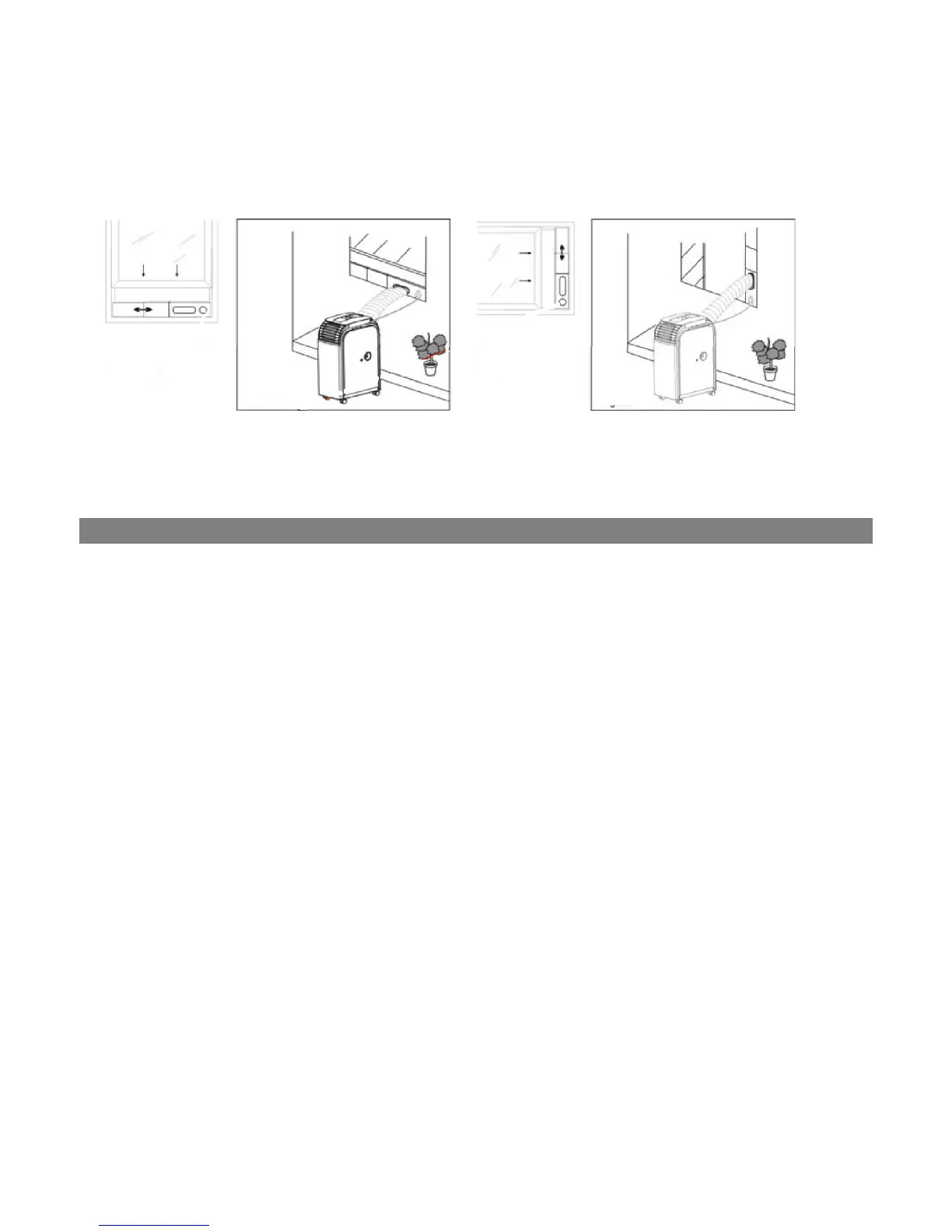
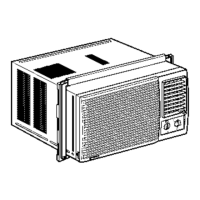
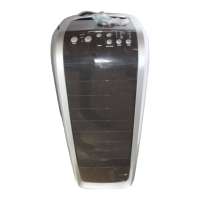
Figure 1 Figure 1a
The appliance is equipped with an LCDI safety plug to protect the unit. If power is cut off, unplug from the
socket and make sure the power cable is undamaged. If the cable is damaged, call the service center
immediately. If power cuts off frequently and the power cable is undamaged, contact qualified electrician.
TO TEST THE SAFETY PLUG
1. Connect the power plug to an electrical outlet.
2. The power plug has two buttons located on the top. One button is marked “TEST” and the other is
marked “RESET”. Press the “TEST” button; you will hear a click as the “RESET” button pops out.
3. Press the “RESET” button; you will hear a click as the button engages.
4. The power supply cord is now energized and supplying electricity to the air conditioner (it is
indicated by a light on the plug head).
Under no circumstances should this device be used to turn the unit on or off.
The “RESET” button must always be pushed in (engaged) for correct operation.
The power supply cord must be replaced if it fails to reset when the “TEST” button is
pushed in.
Vertical
Window
Horizontal
Window
Window slider kit
Min: 55 cm
Max:127cm
SAFETY PLUG
Window slider kit
Min: 55 cm
Max:127cm



 To Next Page