7
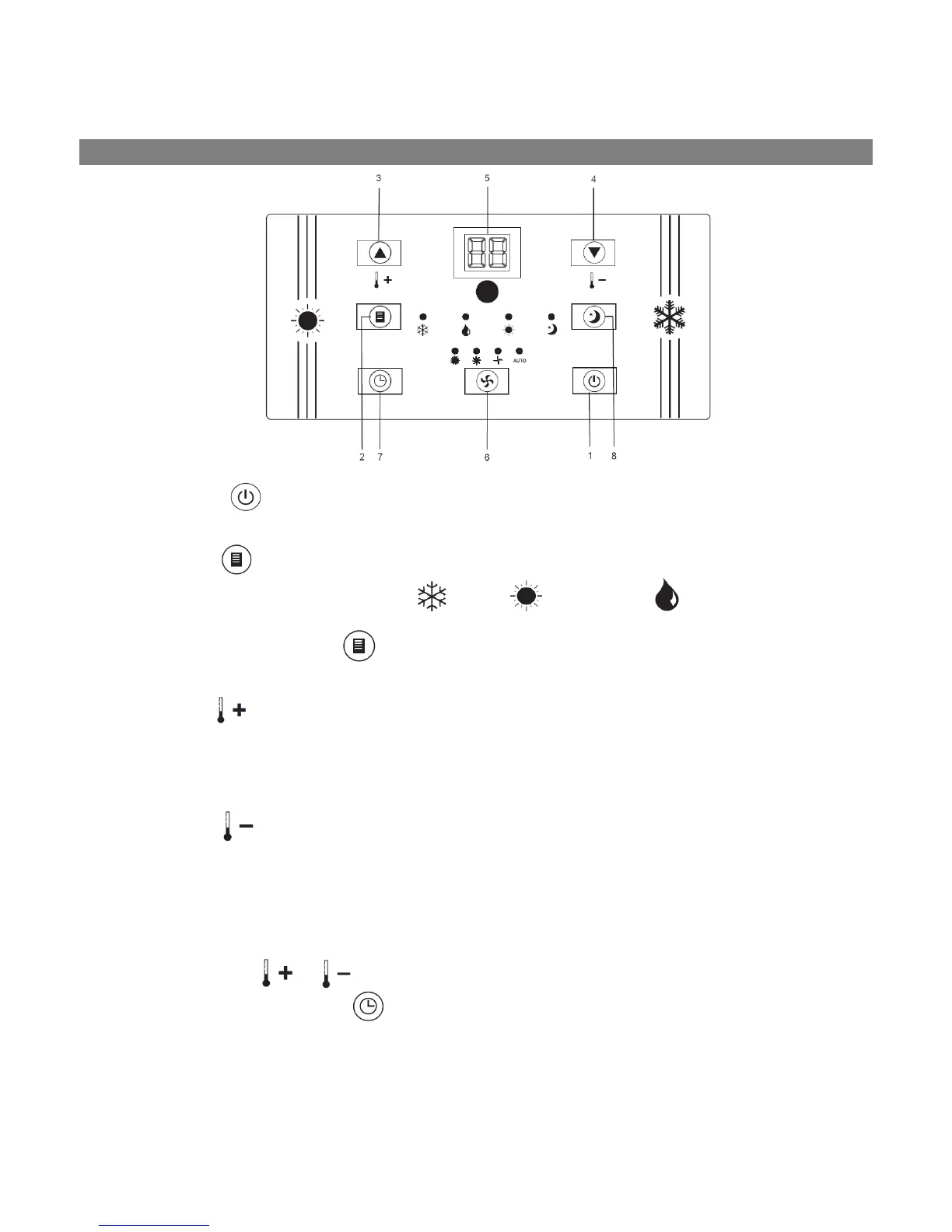
1. POWER
Press this button to switch the unit on or off
2. MODE
Press this button to select between Cooling (
), Heating ( ) or Dehumidifying ( ) mode
3. REMARKS: PRESS [MODE]
IN STANDBY MODE (UNIT IS PLUGGED IN BUT NOT IN OPERATION,
NO DISPLAY ON THE PANEL) FOR 10 SECONDS TO SWITCH DISPLAY BETWEEN FAHRENHEIT AND
CELSIUS.
TEMP+
Pressing this button in cooling mode adjusts the required room temperature by 1°C up to a
maximum temperature of 30°C.
Pressing this button in heating mode adjusts the required room temperature by 1°C up to a
maximum temperature of 25°C.
4. TEMP-
Pressing this button in cooling mode adjusts the required room temperature by 1°C to a minimum
temperature of 17°C.
Pressing this button in heating function adjusts the required room temperature by 1°C to a minimum
temperature of 15°C
5. LED-DISPLAY
The display shows the current ambient temperature in operation.
By pressing the [
] or [ ] buttons, the required target temperature is displayed.
When pressing the timer button [
], the number of hours is shown until delayed start up or delayed
shutdown. After each setting, the display automatically shows the current ambient temperature again. In the
dehumidifying mode, “dH” (or “HP” upside-down) is shown on the display.
Error messages are also shown in the display.
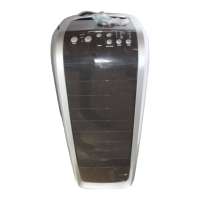
CONTROL PANEL



 To Next Page