23
ENGLISH
Setting Warm Ready Drawer
Controls
To Operate the Warm Ready Drawer
Your range is equipped with a warm ready drawer. The purpose of the warm
ready drawer is to keep hot cooked foods at serving temperature. Always start
with hot food. It is not recommended to heat cold food in the warm ready
drawer.
All food placed in the warm ready drawer should be covered with a lid or alu-
minum foil to maintain quality. Do not cover crisp foods. Do not use plas-
tic wrap to cover food. Plastic may melt onto the drawer and be very
difficult to clean.
Use only dishware, utensils and cookware recommended for oven use in the
warm ready drawer.
Always use potholders or oven mitts when removing food
from the warm ready drawer as cookware and plates will be hot.
Indicator Light
The indicator light is located above or below the thermostat control. It turns on
when the control is set, and stays on until the control is turned off. The warm
ready drawer is inoperable during the self-clean cycle. The indicator light will
not come on during the self-clean cycle.
To Set the Thermostat Control
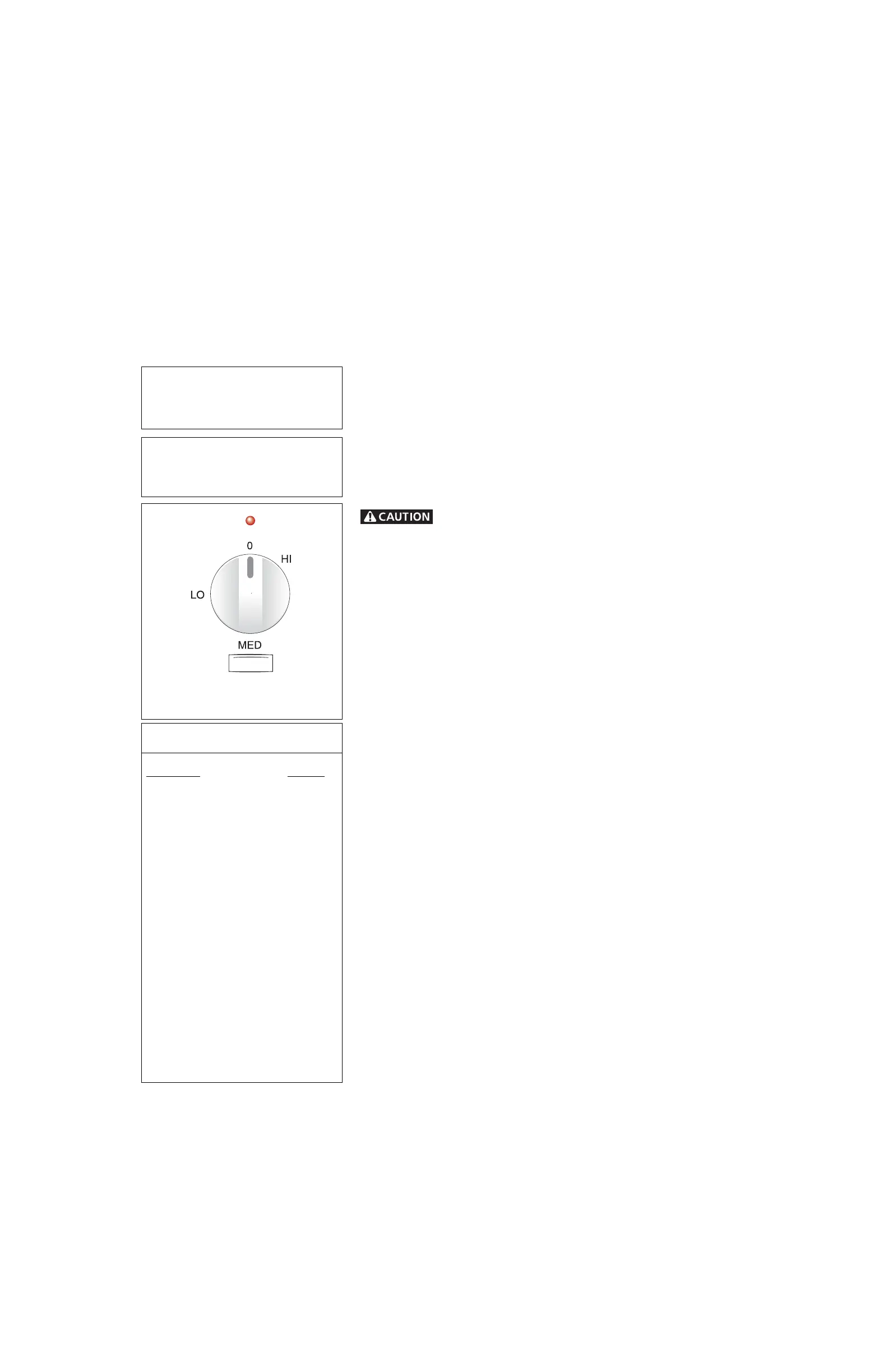
The thermostat control is used to select the temperature of the warm ready
drawer. It is located on the control panel. To set the thermostat, push in and
turn the knob to the desired setting. The temperatures are approximate, and
are designated by HI, MED and LO. The control can be set to the three set-
tings, or anywhere between.
1. Select the temperature setting.
2. For best results, preheat the drawer before adding food. An empty drawer
will reach the HI setting in about 18 minutes, the Med setting in about 15
minutes and the LO setting in about 12 minutes.
3. When done, turn the thermostat control to OFF.
Temperature Selection
Refer to the chart in the side column for recommended settings. If a particular
food is not listed, start with the medium setting. If more crispness is desired,
remove the lid or aluminum foil.
Most foods can be kept at serving temperatures by using the medium setting.
When a combination of foods are to be kept warm (for instance, a meat with
2 vegetables and rolls), use the high setting.
Refrain from opening the warmer drawer while in use to eliminate loss of heat
from the drawer.
To Warm Serving Bowls and Plates
Heat bowls and plates on the LO setting. Place empty dishes on the rack to
raise them off drawer bottom. To further heat dishes or to heat fine china,
check with the manufacturer for maximum heat tolerance.
IMPORTANT: The warm ready drawer will be turned off automatically when
the oven is in a self-cleaning mode. The warm ready drawer can be used im-
mediately after the clean cycle is ended.
Use the warm ready drawer to keep hot
foods hot such as: vegetables, gravies,
meats, casseroles, biscuits and rolls,
pastries and heated dinner plates.
The warm ready drawer is equipped
with a catch which may require extra
force when opening and closing the
drawer.
Warm Ready Drawer (some models)
Warm Ready Drawer Recommended
Food Settings Chart
Food Item Setting
Bacon HI
Biscuits MED
Casseroles MED
Eggs MED
Empty Dinner Plates LO
Fish, Seafood MED
Fried Foods HI
Gravies MED
Ham MED
Hamburger Patties HI
Pancakes, Waffles HI
Pastries MED
Pies MED
Pizza HI
Pork Chops HI
Potatoes (baked) HI
Potatoes (mashed) MED
Poultry HI
Roasts (Beef, Pork, Lamb) MED
Rolls, soft LO
Rolls, hard MED
Warm Ready Drawer
Control Knob



 To Next Page