4 5
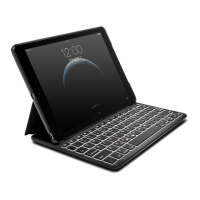
NOTE: The Keyboard will go into sleep mode if left idle for 15 minutes. To wake up the
Keyboard, press any key to resume the connection.
To extend battery life, turn off the keyboard when not in use.
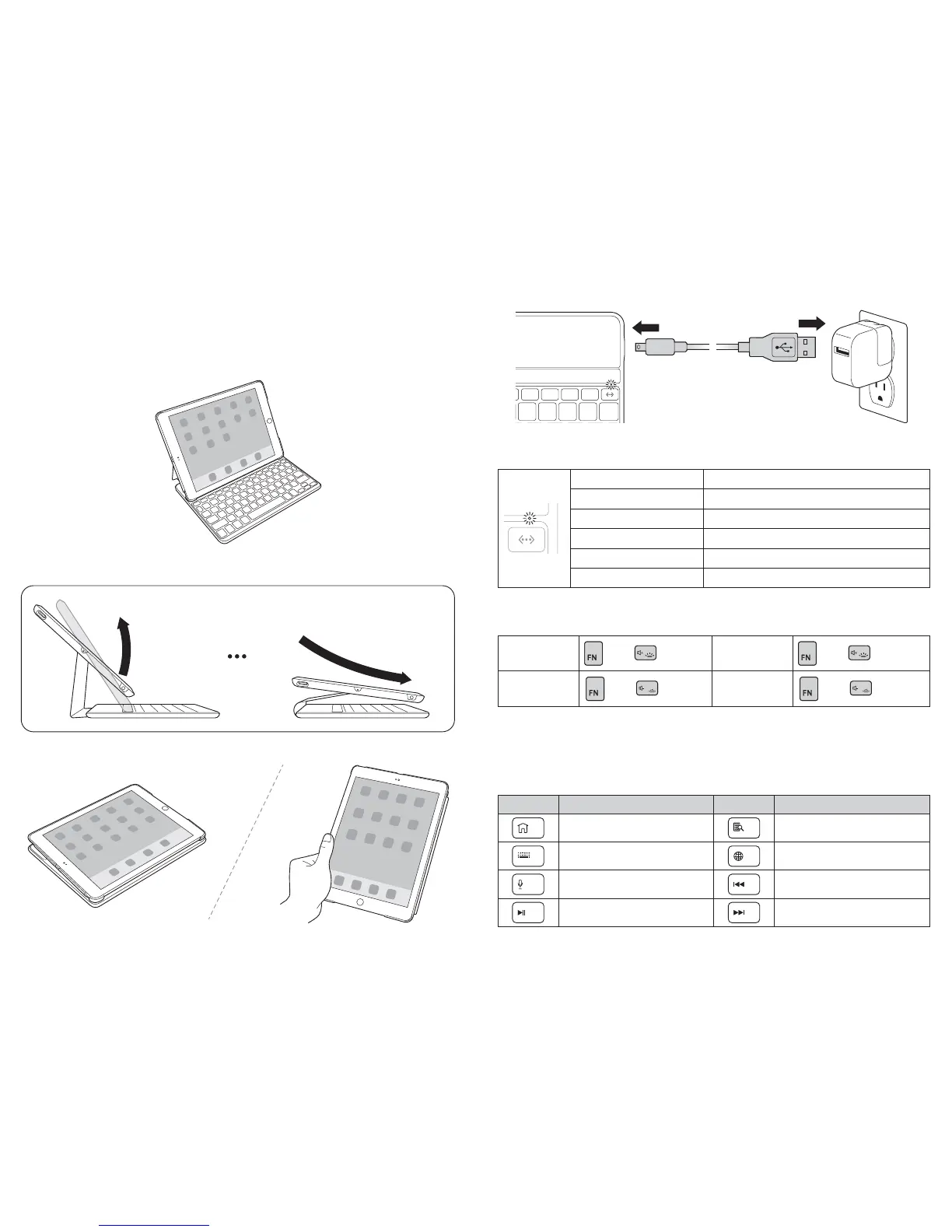
Viewing Modes
A Keyboard = On
B Keyboard = Off
QuickFold™
Charging
LED Functions
Solid blue for 3 seconds Keyboard powers on
Blinking blue Pairing mode
Solid red Battery needs charging
Blinking green Charging in progress
Solid green Battery is fully charged
Solid amber Caps Lock on
Backlight Functions
To turn on
backlight
+
To increase
brightness
+
To turn off
backlight
+
x 2
To decrease
brightness
+
To conserve battery life, backlight turns off after 15 seconds if no key is pressed. Any key
press will turn on backlight again. Backlight functions are automatically disabled when
battery level is low.
Key Functions
Key
Function
Key
Function
Home Search
On-screen keyboard International keyboard*
Siri® Last track
Play/pause Next track



 To Next Page